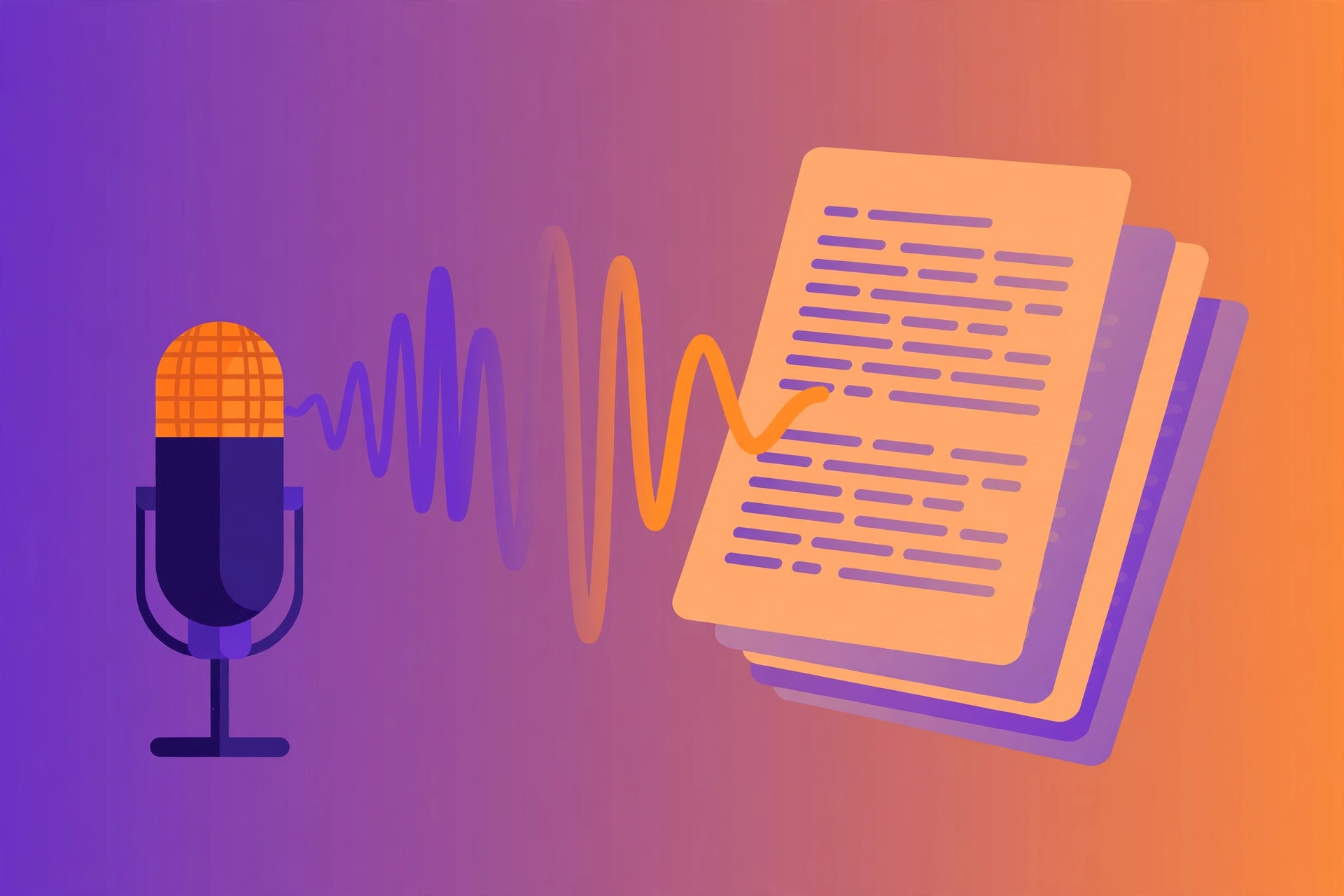
Direct answer: The quick answer: yes, you can transcribe a Podcast Episode to Text easily, and you do not need expensive software to do it well.
Key takeaways:
- Quick Steps to Transcribe a Podcast Episode: Turn any podcast episode into a full transcript:
- Why Transcribe Podcast Episodes?: Smart podcasters treat transcripts as a distinct content channel, not just an accessory.
- Tips for Best Results: Smart podcasters treat transcripts as a distinct content channel, not just an accessory.
- Transcripts as a Growth Channel: Smart podcasters treat transcripts as a distinct content channel, not just an accessory.
- The right choice depends on your volume: occasional use favors free tiers, heavy use favors paid plans.
Every podcast episode is a goldmine of content trapped in audio form. The insights, stories, and quotes your guests share deserve a wider audience than just your listeners, and transcription is how you set them free. A text version of your episode powers show notes, blog posts, social media clips, and search engine visibility.
Podcast SEO is almost entirely dependent on text. Search engines cannot listen to your episode, so without a transcript, your brilliant 45-minute conversation is invisible to Google. Transcribing each episode is one of the highest-leverage things a podcaster can do, and it costs nothing with the right free tool.
Quick Steps to Transcribe a Podcast Episode
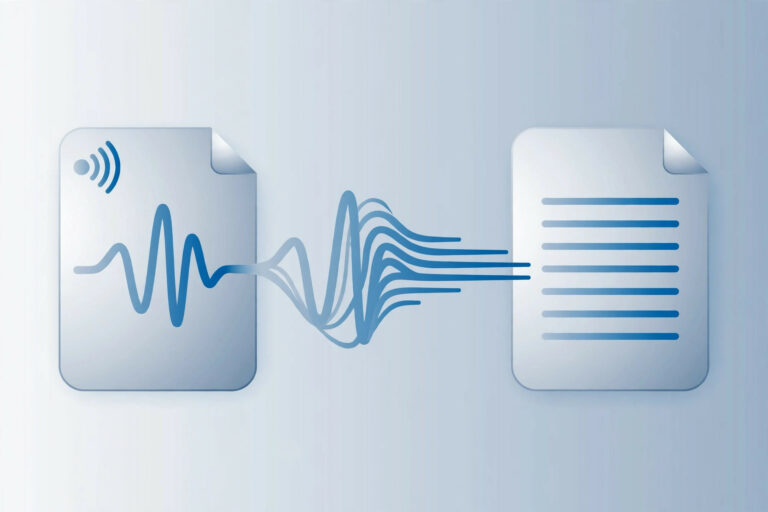
Turn any podcast episode into a full transcript:
- Export your episode audio, Use your MP3 or WAV episode file straight from your recording or editing software.
- Open the transcription tool, Go to TranscriptionAid in your browser. Free, no signup.
- Upload the episode, Drop in the audio file. Full-length episodes are supported.
- Generate the transcript, Start transcription and receive timestamped text you can navigate by section.
- Build your show notes, Pull key quotes, topics, and timestamps into your episode description and blog post.
- Publish for SEO, Post the full transcript on your episode page to capture search traffic for everything discussed.
Why Transcribe Podcast Episodes?
- SEO visibility: Transcripts let Google index every word of your episode, bringing search traffic for topics you discussed.
- Accessibility: Deaf and hard-of-hearing audiences, and anyone who prefers reading, can finally enjoy your content.
- Content multiplication: One episode becomes show notes, quote graphics, newsletter content, and blog posts.
- Listener convenience: Many listeners skim transcripts to decide whether an episode is worth their time, or to find a specific segment.
Tips for Best Results
- Clean up crosstalk: Edit out sections where hosts and guests talk over each other before transcribing for cleaner results.
- Add speaker labels: After transcription, mark who said what, it dramatically improves readability for your audience.
- Fix show-specific terms: Guest names, product names, and inside jokes usually need a manual touch-up.
- Use timestamps for chapters: The automatic timestamps make it easy to build clickable chapter markers for your episode.
Transcripts as a Growth Channel
Smart podcasters treat transcripts as a distinct content channel, not just an accessory. Publishing full transcripts gives each episode a permanent URL that can rank for dozens of long-tail queries, guest names, topics discussed, tools mentioned. Over time, this compounds into significant organic traffic that audio alone could never capture.
Transcripts also unlock accessibility grants and directory requirements. Several podcast directories and institutional platforms prefer or require text alternatives. Having transcripts ready removes friction from every distribution opportunity.
Consider offering transcript-based lead magnets: a beautifully formatted PDF of your best episode’s transcript in exchange for an email signup. It costs nothing to produce once the transcript exists, and it converts listeners into subscribers.
Common Podcast Transcription Challenges
Intro/outro music: Theme music with lyrics can confuse transcription into producing gibberish text. Note the timestamps of musical sections and either skip or clean them during review.
Remote guest audio: Guests recording on laptop microphones in echoey rooms produce the weakest audio in most episodes. Sending guests a simple recording checklist before the session prevents most issues.
Ad reads: Deciding whether to include sponsor reads in published transcripts is an editorial choice. Many podcasters include them for completeness; others strip them for reader experience.
Episode length: Two-hour deep dives are increasingly common and transcribe fine, but the review pass is proportionally longer. Budget review time realistically.
Frequently Asked Questions
How long does it take to transcribe a podcast episode?
A typical 30–60 minute episode transcribes in a fraction of its runtime. Longer episodes just need a bit more processing time.
Should I publish the full transcript or just show notes?
Both. Publish the full transcript on the episode page for SEO, and write concise show notes highlighting key moments for human readers.
Will transcripts really help my podcast SEO?
Yes. Search engines index text, not audio. Episodes with transcripts consistently attract more organic search traffic.
Can I transcribe episodes with multiple hosts?
Yes. The tool handles multi-speaker audio, though you may want to add speaker labels afterward for clarity.
Should I edit the transcript before publishing?
A light edit is recommended. Remove excessive filler words, fix names, and add speaker labels. The goal is a transcript that reads well, not a verbatim dump of every ‘um’ and false start.
How do transcripts affect podcast download numbers?
Transcripts do not directly change download counts, but the search traffic they attract brings new listeners who discover your show through Google, growing your audience over time.
Start Transcribing Free
Ready to convert your audio to text? Try the free transcription tool now, no signup, no installation, just upload and go.