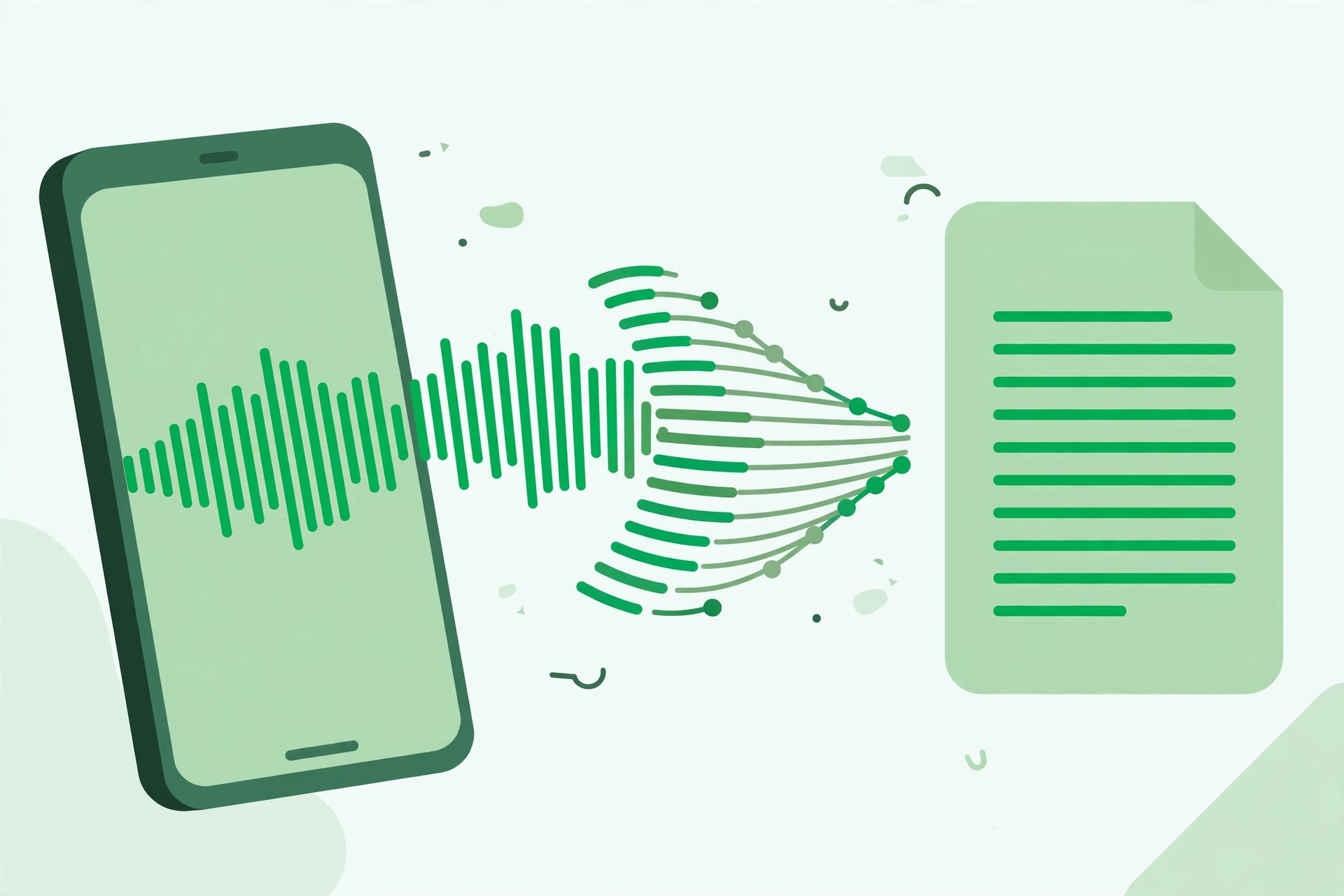
Direct answer: In short, learning how to transcribe WhatsApp Voice Notes to Text takes just a few minutes once you follow the right steps. This guide walks you through each one.
Key takeaways:
- Quick Steps to Transcribe WhatsApp Voice Notes: Transcribing a WhatsApp voice note takes less than two minutes:
- Why Transcribe WhatsApp Voice Notes?: Once you start transcribing voice notes regularly, organization becomes the next challenge.
- Tips for Best Results: Once you start transcribing voice notes regularly, organization becomes the next challenge.
- Organizing Transcribed Voice Notes: Once you start transcribing voice notes regularly, organization becomes the next challenge.
- When in doubt, test with your own audio before committing to a paid plan.
WhatsApp voice notes are convenient to send but painful to consume. A three-minute voice message demands three minutes of your attention, cannot be skimmed, and is impossible to search later. In noisy environments, or quiet ones like meetings, listening is not even an option.
Converting WhatsApp voice notes to text changes the equation entirely. A transcript can be read in seconds, searched months later, forwarded as text, and referenced without replaying audio. Whether it is a long family update, a client’s detailed brief, or a colleague’s rambling idea, this guide shows you how to turn any WhatsApp voice message into clean, readable text for free.
Quick Steps to Transcribe WhatsApp Voice Notes
Transcribing a WhatsApp voice note takes less than two minutes:
- Save the voice note, In WhatsApp, long-press the voice message and export or save the audio file to your device.
- Open the transcription tool, Go to TranscriptionAid in your browser. No app to install, no account needed.
- Upload the audio file, Select the saved voice note from your device storage.
- Generate the transcript, Start transcription and get timestamped text within moments.
- Use the text, Copy it into your notes, reply with a quote, or archive it for later reference.
Why Transcribe WhatsApp Voice Notes?
- Read instead of listen: Skim a three-minute message in twenty seconds, ideal in meetings, public transport, or late at night.
- Searchable history: Find that address, date, or instruction someone sent you weeks ago without replaying dozens of voice notes.
- Share the content: Forward key points as text to people who were not in the original chat.
- Keep records: Business instructions sent by voice become documented, quotable text you can refer back to.
Tips for Best Results
- Export at original quality: Do not re-compress the voice note before uploading, original quality gives the best transcription accuracy.
- Handle multiple languages: If the voice note mixes languages, review the transcript carefully around the language switches.
- Trim silence first: Long pauses at the start or end of a voice note can be trimmed to speed up processing.
Organizing Transcribed Voice Notes
Once you start transcribing voice notes regularly, organization becomes the next challenge. A simple system: create a note for each important conversation thread, paste the transcript with the date, and tag it with relevant keywords. Months later, searching for a name or place will surface exactly what you need.
For business use, transcribed voice notes can serve as informal meeting minutes. When a client explains requirements by voice, the transcript becomes the specification document, quotable, shareable, and far less ambiguous than anyone’s memory of the call.
Privacy matters with personal messages. Keep transcripts in the same secure place you would keep the original chats, and avoid forwarding sensitive transcribed content beyond its intended audience.
Common Voice Note Challenges
Background chaos: Voice notes are often recorded in cars, streets, or crowded rooms. Wind noise and traffic are particularly destructive to accuracy. When asking someone to send an important voice note, requesting a quiet moment to record makes an enormous difference.
Speed talking: Excited or hurried speakers compress words together. Playback at reduced speed during your review pass resolves most of these passages.
Voice message chains: Long conversations split across dozens of voice notes are hard to follow as separate transcripts. Consider combining related notes into a single chronological document.
Disappearing messages: If disappearing messages are enabled, export voice notes promptly, once gone, they cannot be recovered or transcribed.
Frequently Asked Questions
How do I save a WhatsApp voice note as a file?
On most phones, long-press the voice message and use the share or export option to save the audio file to your device, then upload it to the transcription tool.
Can I transcribe voice notes in other languages?
The tool supports multiple languages. Accuracy is best when the audio is clear and in a single language.
Is my voice note uploaded to a server?
TranscriptionAid processes audio in your browser, keeping your private conversations private.
How long a voice note can I transcribe?
Typical voice notes of a few minutes transcribe in moments. Longer recordings also work, just allow a little more processing time.
Can I transcribe a voice note without saving it first?
You need the audio file to transcribe it, so saving or exporting the voice note is a required first step. The export process takes only seconds on most phones.
Do transcribed voice notes keep the sender’s name?
The transcript contains only the spoken words. When archiving, add the sender’s name and date yourself so future searches remain meaningful.
Start Transcribing Free
Ready to convert your audio to text? Try the free transcription tool now, no signup, no installation, just upload and go.