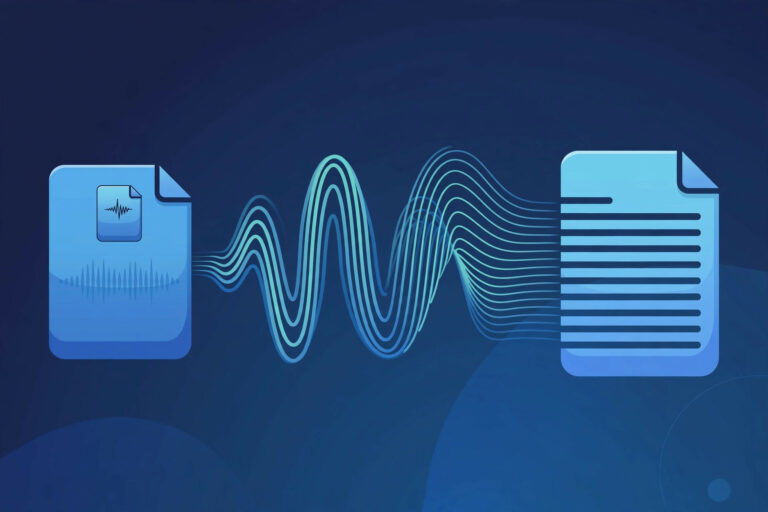
Direct answer: Bottom line: knowing how to transcribe Dictation Audio to Text is straightforward with the right method. Below are the steps that actually work.
Key takeaways:
- Why Transcribe Dictation?: Physicians dictate patient notes between appointments, lawyers dictate memos and correspondence, authors dictate chapters, and executives dictate communications.
- Tips for Best Results: Physicians dictate patient notes between appointments, lawyers dictate memos and correspondence, authors dictate chapters, and executives dictate communications.
- Dictation Workflows by Profession: Physicians dictate patient notes between appointments, lawyers dictate memos and correspondence, authors dictate chapters, and executives dictate communications.
- Common Dictation Challenges: Thinking aloud: Dictation captures the messiness of thought, half sentences, self-corrections, tangents.
- Audio quality drives accuracy more than any feature, so start with a clean recording.
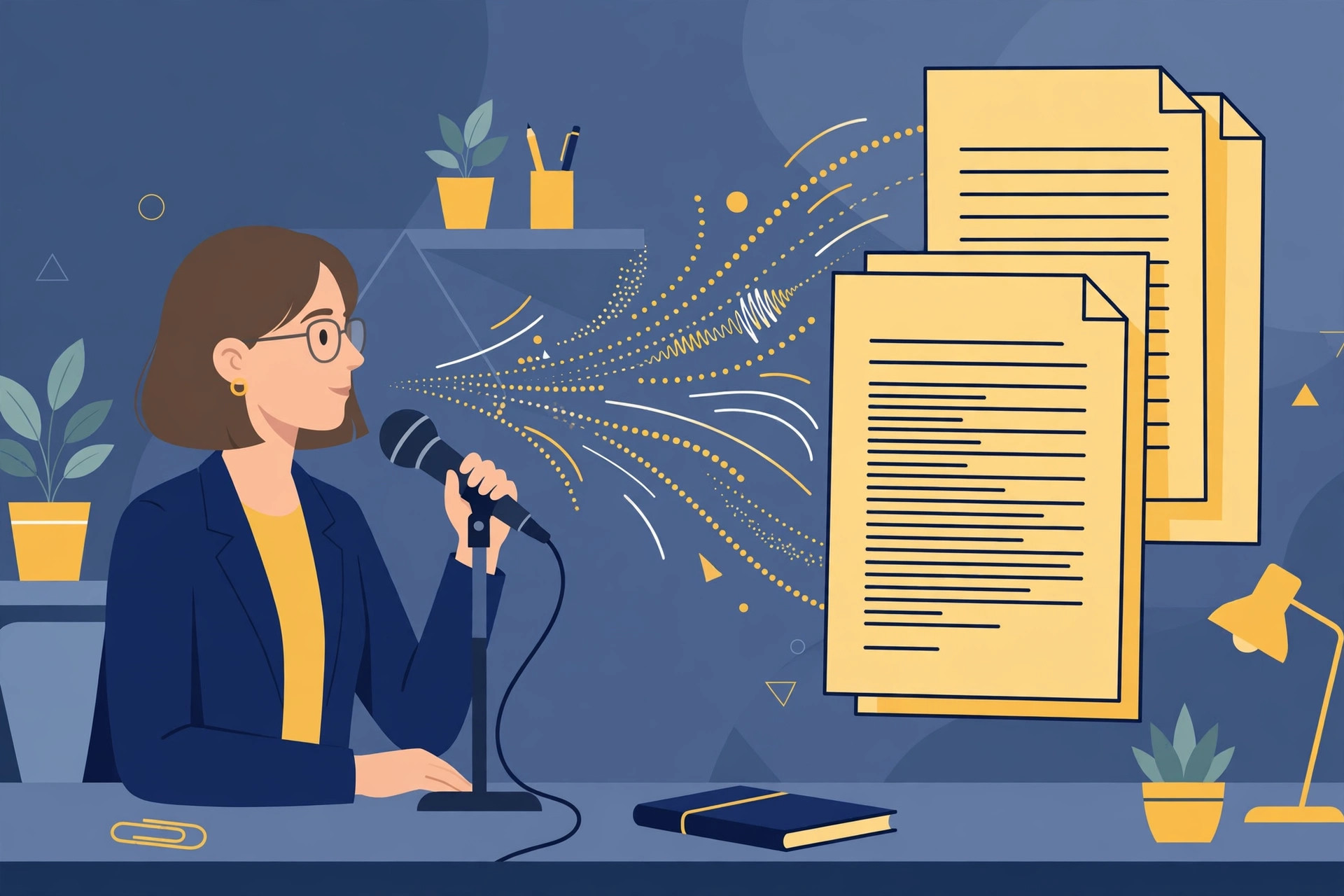
Dictation is the fastest way to get thoughts out of your head, speaking is roughly three times faster than typing for most people. Professionals in law, medicine, academia, and business have dictated for decades. The bottleneck was never the speaking; it was turning that audio into usable text.
Whether you dictate case notes, patient observations, article drafts, or meeting memos, converting dictation to text free removes the last friction point. No more paying per minute for transcription services or spending evenings typing up the day’s recordings. Here is the streamlined workflow.
Quick Steps to Transcribe Dictation Audio
Convert dictation to text:
- Record your dictation, Use any recorder: phone app, handheld device, or computer microphone. Speak clearly at a natural pace.
- Open the transcription tool, Go to TranscriptionAid in your browser. Free with no signup.
- Upload the audio, Select your dictation file in any common format.
- Generate the transcript, Get timestamped text within moments.
- Edit into final form, Dictation is naturally conversational. A quick edit pass turns the raw transcript into polished prose.
Why Transcribe Dictation?
- 3x faster than typing: Speaking outpaces typing for most people, transcription captures that speed advantage as text.
- Same-day documentation: Professionals can complete notes and reports the same day instead of backlog building.
- Hands-free capture: Dictate while walking, driving (safely parked), or doing anything typing would prevent.
- Natural expression: Many people articulate complex thoughts better aloud than at a keyboard.
Tips for Best Results
- Dictate punctuation: Saying ‘period,’ ‘new paragraph,’ and ‘comma’ produces dramatically cleaner first drafts.
- Spell out tricky terms: For unusual names or technical terms, spell them on first use to save correction time.
- Use a decent microphone: Even a basic headset mic outperforms a phone speaker across the room.
- Do a cleanup pass: Dictation includes false starts and repetitions, a fast edit turns it into final copy.
Dictation Workflows by Profession
Physicians dictate patient notes between appointments, lawyers dictate memos and correspondence, authors dictate chapters, and executives dictate communications. Each profession has evolved conventions, medical dictation uses structured templates, legal dictation follows formal phrasing, and transcription preserves these structures as text ready for professional systems.
The highest-performing dictators develop a personal style guide: consistent phrasing for common elements, standard ways to indicate formatting, and habitual spell-outs for tricky terms. This consistency compounds, transcripts need less editing with every session.
Consider dictating in layers: first a rough capture of all thoughts, then a second pass dictating the organized version. The transcript of the second pass is often close to final copy.
Common Dictation Challenges
Thinking aloud: Dictation captures the messiness of thought, half sentences, self-corrections, tangents. Learning to pause and restart sentences cleanly, rather than trailing off, dramatically reduces editing.
Homophones: ‘Their,’ ‘there,’ and ‘they’re’ sound identical. Context usually resolves them correctly, but technical homophones in specialized fields need manual checking.
Numbers and formatting: Dictated numbers, dates, and addresses need standardization during editing. Develop consistent conventions for your field.
Fatigue: Voice fatigue after long dictation sessions degrades clarity. Shorter sessions with breaks produce better transcripts than marathon recordings.
Pro tip: Keep a running document of terms you frequently dictate and their correct spellings. Referencing it during editing cuts proofreading time significantly as your personal dictionary grows.
Frequently Asked Questions
Is dictation transcription accurate enough for professional use?
Yes, with review. Clear dictation produces highly accurate transcripts; the edit pass is where you polish it for professional standards.
Can I dictate directly instead of uploading a file?
Record with any app or device first, then upload the file. The two-step workflow is the most reliable free method.
How should I handle confidential dictation?
The tool processes audio in your browser, keeping sensitive professional content private. Always verify your organization’s data policies.
What is the best format for dictation recordings?
Any common format works, MP3, WAV, and M4A are all fine. Clarity of speech matters far more than file format.
What microphone is best for dictation?
A basic headset microphone outperforms built-in laptop mics significantly. You do not need studio gear, even an inexpensive headset produces clean, transcribable audio.
How do I format dictated lists and headings?
Dictate structural cues explicitly: say ‘heading’ before headings and ‘bullet’ before list items. During editing, convert these cues into actual formatting.
Dictation is a superpower hiding in plain sight. The professionals who master it produce more documentation, more content, and more ideas in less time. Transcription is the bridge between speaking fast and publishing well, cross it freely.
Record a short dictation right now, even two minutes, and run it through the tool. Experiencing the speed firsthand is the fastest way to make dictation part of your workflow.
Start Transcribing Free
Ready to convert your audio to text? Try the free transcription tool now, no signup, no installation, just upload and go.