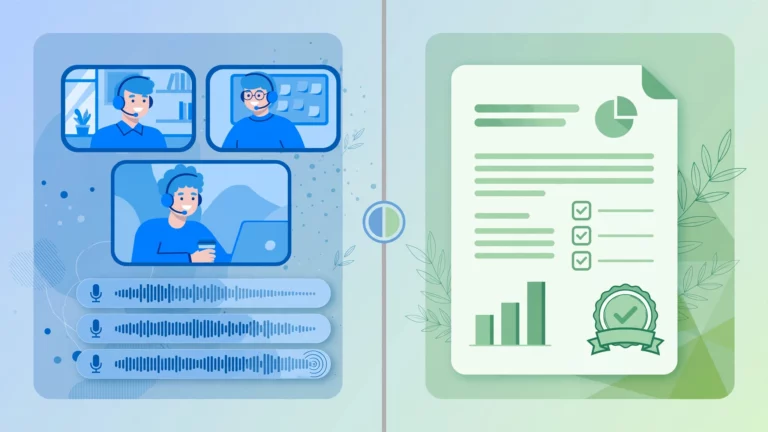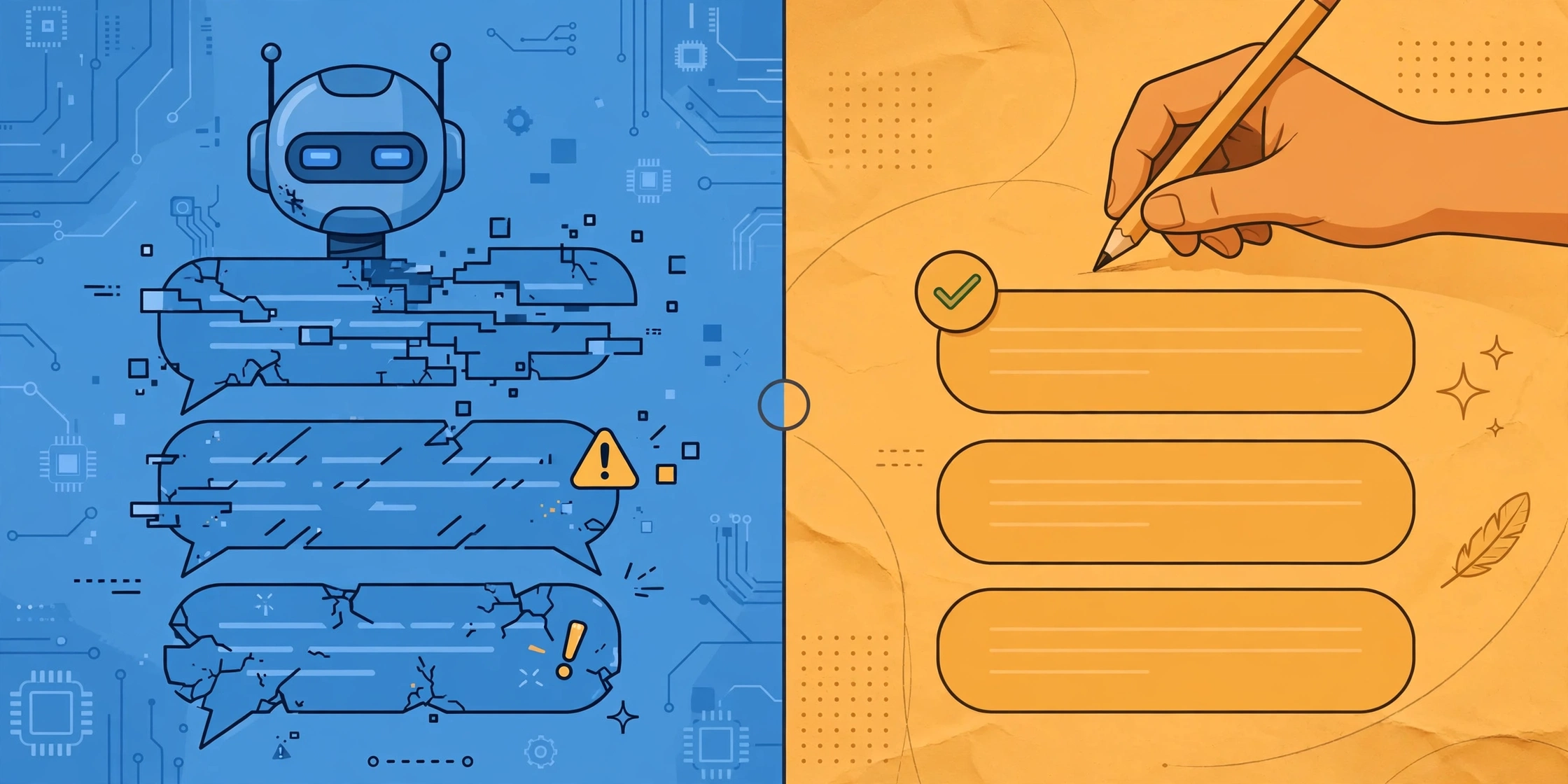
Direct answer: YouTube auto captions are fast and free, and they work well enough for clear speech in quiet settings. Manual transcription, done by a person, is far more accurate with accents, noise, and technical terms, but it costs time or money. Use auto captions for casual viewing and rough drafts. Choose manual transcription when accuracy matters, such as for published content, legal records, or accessibility.
Key Takeaways
- Auto captions are instant and free, but they make mistakes with accents, noise, and jargon.
- Manual transcription is far more accurate but takes real time or costs money.
- For casual viewing, auto captions are usually good enough.
- For anything public, professional, or permanent, manual review or transcription wins.
- You can combine both: start with auto captions, then fix the errors by hand.
Table of Contents
YouTube adds captions to videos automatically. It feels like magic. You upload a video, and words appear on screen with no effort. But anyone who has read auto captions knows the truth. They get words wrong. Sometimes the mistakes are funny. Sometimes they change the meaning entirely.
Manual transcription is the alternative. A person listens and types every word. It is slower and costs more, but the result is far more reliable. So which should you use? It depends on what you need. This guide gives you an honest comparison so you can decide.
How YouTube Auto Captions Work
YouTube uses speech recognition software to turn audio into text. The system listens to the sound, guesses the words, and lines them up with timestamps. It does this for almost every video uploaded, unless the owner turns the feature off.
The process is fully automatic. No human reviews the output. That is why it is instant and free. It is also why mistakes slip through.
The software keeps improving. Each year it handles more accents and noisy settings a bit better. Still, it has clear limits. It struggles most with the things humans find easy, like telling similar-sounding words apart using context.
How Manual Transcription Works
Manual transcription means a person listens to the audio and types what they hear. The person can rewind, slow down tricky parts, and use context to pick the right word when two words sound alike.
There are two kinds. DIY transcription is when you do it yourself. You play the video, pause often, and type. It is free but slow. A one-hour video can take three to four hours to transcribe by hand.
The other kind is professional transcription. You send the audio to a service, and a trained person transcribes it. This costs money but saves your time. Professionals also follow style rules, mark speaker changes, and note non-speech sounds like laughter or music.
For a full overview of transcription methods for YouTube content, see our main guide youtube transcription.
Accuracy: Where Each Method Stands
Accuracy is the biggest difference. Let us be honest about both.
Auto captions do well with clear, slow speech in a quiet room. A single speaker reading from a script in a studio will get a fairly clean caption track. In these ideal settings, most words come out right.
Change the setting and accuracy drops. Background music confuses the software. Two people talking over each other confuses it more. Strong accents, mumbling, and fast speech all cause errors. Technical terms, brand names, and uncommon words are often wrong because the software guesses the closest common word instead.
Manual transcription handles all of this better. A person hears the accent and adapts. A person knows from context whether you said “their,” “there,” or “they’re.” A person can look up a technical term instead of guessing. The result is text you can trust without heavy proofreading.
That said, humans make mistakes too. A tired transcriber can mishear. But a careful person, or a professional service with quality checks, will beat software in almost every real-world setting.
Speed and Cost Compared
Auto captions win on speed and cost without question. They appear within minutes of upload. They cost nothing. For creators who publish often, this is a huge advantage.
Manual transcription is the opposite. Doing it yourself is free but very slow. Paying a service is fast for you, since someone else does the work, but it costs money per minute of audio.
This is why many creators use a hybrid approach. They let YouTube generate the captions, then edit the mistakes by hand in YouTube Studio. You get most of the speed of automation with much of the accuracy of manual work. It is the best balance for most channels.
Side-by-Side Comparison
| Factor | YouTube Auto Captions | Manual Transcription |
|---|---|---|
| Cost | Free | Free if DIY, paid if outsourced |
| Speed | Minutes, fully automatic | Hours of work, or service turnaround time |
| Accuracy, clear audio | Good, most words correct | Excellent, near perfect |
| Accuracy, noisy audio | Poor, many errors | Good, human judgment fills gaps |
| Accents and dialects | Often struggles | Handles well |
| Technical terms | Frequently wrong | Researched and correct |
| Speaker labels | Not included | Included, with clear speaker changes |
| Best for | Casual viewing, quick drafts | Published content, records, accessibility |
When Auto Captions Are Enough
Auto captions get a bad reputation, but they are fine for many uses. If you are watching a video for yourself and just want to follow along, they do the job. You will catch the odd wrong word, but the meaning comes through.
They are also fine as a starting draft. If you plan to edit anyway, starting from auto captions saves a lot of typing. Fix the errors, and you have a solid transcript in a fraction of the time it would take to type from scratch.
For internal notes, personal study, or skimming a long video for one section, auto captions are plenty. Do not pay for perfection you do not need.
When You Need Manual Transcription
Some situations demand accuracy. If the transcript will be published, quoted, or used as an official record, errors are not acceptable. A wrong word in a legal transcript or a medical video can cause real harm.
Accessibility is another case. Deaf and hard-of-hearing viewers deserve captions they can trust. Auto captions with frequent errors are frustrating and sometimes misleading. If your audience includes these viewers, take the time to get it right.
SEO is a third reason. Search engines read captions and transcripts. Clean, accurate text with the right keywords helps your video get found. Garbled auto captions do not help as much.
Finally, any content with specialized vocabulary needs a human. Medical terms, legal phrases, product names, and industry jargon are exactly what software gets wrong and humans get right.
The Hybrid Approach: Best of Both
Most creators do not need to choose one or the other. The smart move is to combine them.
Step 1: Let YouTube generate auto captions.
Step 2: Open YouTube Studio, go to Subtitles, and edit the auto-generated track.
Step 3: Play through the video and fix mistakes. Pay special attention to names, terms, and the first minute, since viewers judge quality early.
Step 4: Save and publish the corrected captions.
This gives you near-manual quality at a fraction of the effort. A ten-minute video might take twenty minutes to clean up, versus an hour to transcribe from scratch.
For videos where even this is too much work, a free transcription tool can give you a clean text file to work from. Our main transcription guide walks through the options youtube transcription.
Tips for Better Auto Captions
You cannot control YouTube’s software, but you can give it better audio to work with.
Speak clearly and at a steady pace. Rushing causes more errors than anything else.
Reduce background noise. Record in a quiet room. Turn off fans, close windows, and keep music low under speech.
Use a decent microphone. Built-in laptop mics pick up room echo. Even a basic headset mic improves results a lot.
Avoid talking over others. In interviews, let each person finish before the next speaks. Overlapping speech is the hardest thing for software to untangle.
Say names and terms carefully. Spell out unusual names or put them on screen as text. The software will still guess, but viewers can check the spelling visually.
FAQ
How accurate are YouTube auto captions?
It varies widely. With clear speech in a quiet setting, most words are correct. With noise, accents, overlapping speech, or technical vocabulary, errors are common. YouTube does not publish an official accuracy figure, and real-world results depend heavily on the audio quality.
Can I edit YouTube auto captions?
Yes. In YouTube Studio, go to Subtitles, open the auto-generated track, and edit the text directly. You can fix words, adjust timing, and then publish the corrected version. This is the easiest way to get accurate captions without starting from zero.
Are auto captions good enough for deaf viewers?
Often not. Frequent errors make them hard to follow and sometimes change the meaning. If accessibility matters to you, review and correct the captions by hand, or provide a manual transcript. Your deaf and hard-of-hearing viewers will notice the difference.
Does manual transcription help with SEO?
Yes. Search engines can read accurate transcripts and captions, which helps them understand your video’s topic. Clean text with correct keywords performs better than error-filled auto captions. If search traffic matters, accurate text is worth the effort.
How long does manual transcription take?
Doing it yourself typically takes three to four times the video length. A ten-minute video needs thirty to forty minutes of careful work. Professional services are faster for you since someone else does the typing, with turnaround often measured in hours rather than days for short videos.