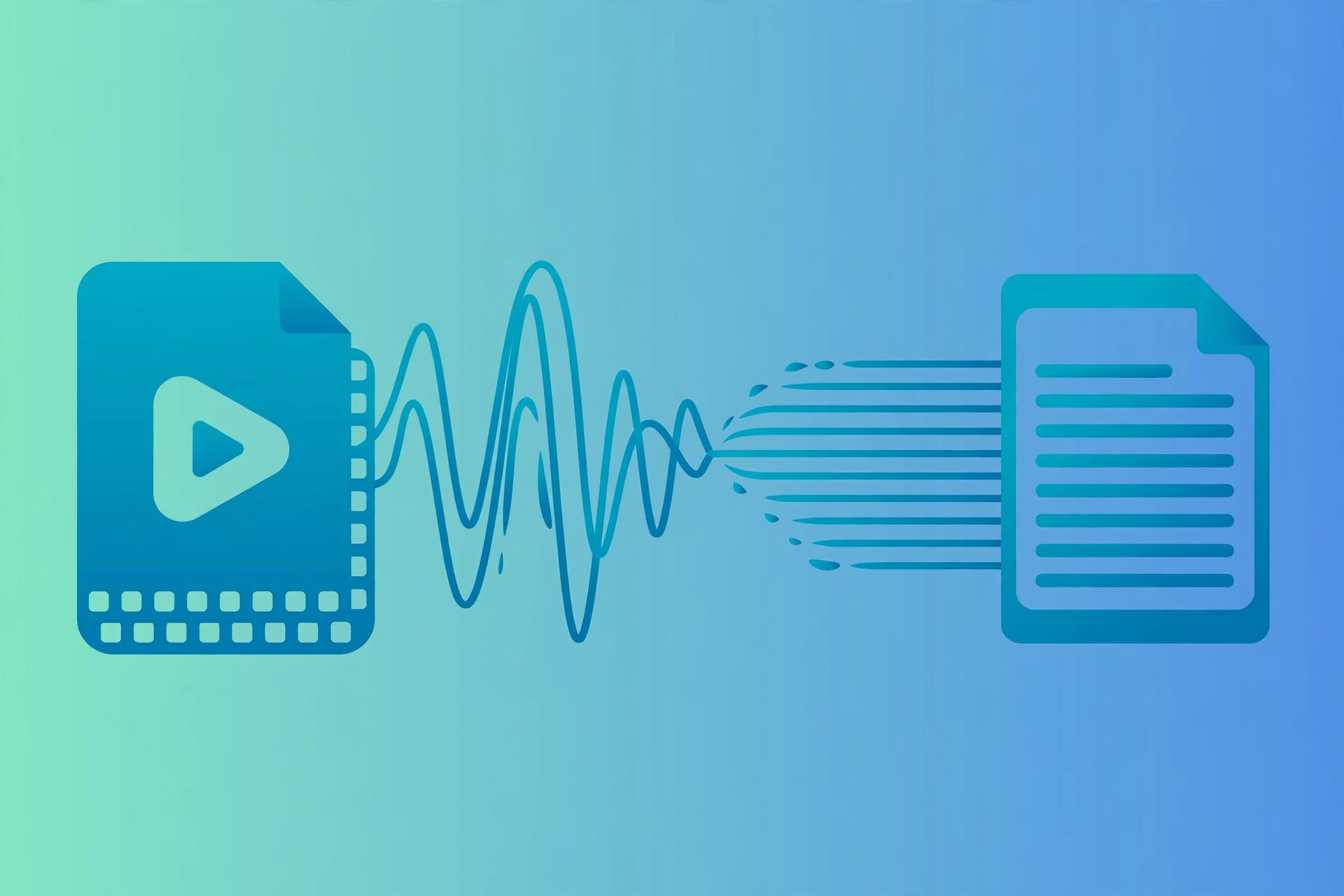
Direct answer: The quick answer: yes, you can transcribe MP4 Video to Text easily, and you do not need expensive software to do it well.
Key takeaways:
- Quick Steps to Transcribe MP4 Video: Extract text from any MP4 video:
- Why Transcribe MP4 Videos?: An MP4 file is a container that can hold multiple audio tracks, different languages, commentary tracks, or descriptive audio.
- Tips for Best Results: An MP4 file is a container that can hold multiple audio tracks, different languages, commentary tracks, or descriptive audio.
- MP4 Audio Tracks Explained: An MP4 file is a container that can hold multiple audio tracks, different languages, commentary tracks, or descriptive audio.
- The right choice depends on your volume: occasional use favors free tiers, heavy use favors paid plans.
MP4 is the universal video format, screen recordings, course videos, webinars, vlogs, and client testimonials all live as MP4 files. But the spoken content inside those videos is trapped: unsearchable, unskimmable, and invisible to search engines.
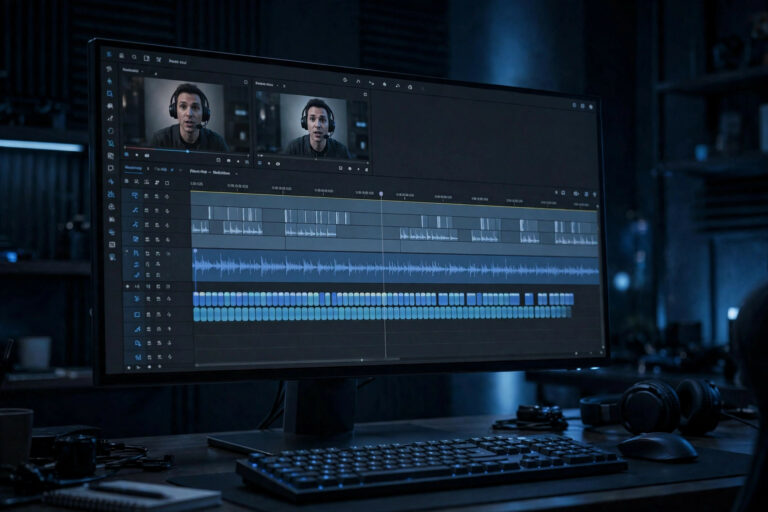
Transcribing MP4 to text liberates that content. Course creators can offer written companions to their videos. Businesses can make webinar libraries searchable. Video editors can generate subtitle files in minutes instead of hours. This guide covers the free workflow that extracts every spoken word from any MP4 file.
Quick Steps to Transcribe MP4 Video
Extract text from any MP4 video:
- Open the transcription tool, Go to TranscriptionAid in your browser. Free, no signup.
- Upload your MP4 file, Drag and drop the video. The tool reads the audio track directly, no need to extract audio first.
- Start transcription, Generate a timestamped transcript of all spoken content in the video.
- Review against the video, Use the timestamps to check any unclear sections against the original footage.
- Export, Download as plain text for documents, or as SRT for subtitles and captions.
Why Transcribe MP4 Videos?
- Video SEO: Publishing a transcript alongside embedded video gives search engines indexable text.
- Instant subtitles: The transcript converts directly to SRT captions for YouTube, Vimeo, or course platforms.
- Searchable video libraries: Teams can search across hundreds of training videos or webinars by keyword.
- Content repurposing: Webinars become blog posts, tutorials become documentation, vlogs become articles.
Tips for Best Results
- Check the audio track: Make sure the MP4’s important audio is on the main track, not buried under loud music.
- Mind the file size: Very large 4K videos with long runtimes process faster if you work from a compressed copy, the audio quality difference is negligible for transcription.
- Note visual context: Transcripts capture words, not visuals. Add [slide change] or [demo] markers where the visuals matter.
- Speaker identification: For multi-speaker videos, add names during your review pass for a professional result.
MP4 Audio Tracks Explained
An MP4 file is a container that can hold multiple audio tracks, different languages, commentary tracks, or descriptive audio. When transcribing, the tool processes the default audio track. If your video has multiple language tracks, make sure the desired one is set as default before uploading, or extract the specific track you need.
Some MP4s use advanced audio codecs that older software struggles with, but modern browsers handle them natively. If you ever encounter an MP4 that will not upload, re-exporting it from any free video editor with standard AAC audio resolves the issue.
For course creators, consider transcribing each module separately rather than an entire course as one file. Per-module transcripts are easier to review, let students find specific lessons, and produce cleaner subtitle files.
Common MP4 Transcription Challenges
Variable frame rate: Screen recordings often use variable frame rates that confuse some tools. The audio track is unaffected, so transcription proceeds normally even when video playback stutters.
Embedded subtitles: If subtitles are burned into the video image (not a separate track), they do not help or hinder transcription, the tool works purely from audio.
Multiple audio languages: Check which audio track is default before uploading. Transcribing the wrong language track wastes a processing cycle.
Very long videos: Feature-length videos transcribe fine but take proportionally longer. Splitting by chapter or section keeps things manageable.
Frequently Asked Questions
Do I need to extract audio from the MP4 first?
No. The tool reads the audio track directly from the MP4 file, just upload the video as-is.
Can I get subtitles for my video from this?
Yes. Export the transcript as SRT format, which works with YouTube, Vimeo, and most video players.
How accurate is it for videos with background music?
Clear dialogue over quiet music transcribes well. Loud music competing with speech reduces accuracy, a review pass is recommended.
What about videos in other languages?
Multiple languages are supported. The transcript will reflect the spoken language of the video.
Can I transcribe only part of a long video?
Yes. Trim the video to the segment you need using any free editor, then transcribe just that portion. This is faster and produces a more focused transcript.
What video resolutions work best?
Resolution does not affect transcription, only the audio track matters. A 480p video with clear audio transcribes better than a 4K video with muddy sound.
Video without a transcript is a locked filing cabinet. The key costs nothing and takes minutes to turn. Whether your MP4s are courses, webinars, or creative projects, their spoken content deserves to live as text too.
Start Transcribing Free
Ready to convert your audio to text? Try the free transcription tool now, no signup, no installation, just upload and go.