Direct answer: The quick version: transcribe Client Calls as a Freelancer (Free) is easier than most people expect once you know the key facts. Details below.
Key takeaways:
- Step 2: Free Transcription After the Call: (Disclosure: TranscriptionAid is our own tool.) After the call, run the recording through a free browser-based transcription tool like TranscriptionAid:
- Step 3: Turn Transcripts into Project Notes: A raw transcript is a record; project notes are a tool.
- Step 4: Organize for the Long Term: Freelancers accumulate calls across clients and years.
- Handling Sensitive Client Calls: Some calls contain material under NDA: unreleased products, financials, acquisition plans.
- The right choice depends on your volume: occasional use favors free tiers, heavy use favors paid plans.
Freelancers live and die by client calls: discovery calls that define the project, feedback calls that change it, and the casual “quick question” calls where scope creep is born. Most freelancers handle this with memory and scattered notes, then eat the cost when “I thought you said the homepage” becomes a dispute. Transcribing client calls is the freelancer’s insurance policy and productivity system in one: a verbatim record of what was agreed, searchable forever, produced for free. Here’s the complete workflow.
[ez-toc]
Why Freelancers Should Transcribe Client Calls
- Scope protection. The most expensive sentence in freelancing is “but I thought that was included.” A transcript settles it in seconds, with timestamps.
- Better discovery. Clients reveal the real requirements between the lines: the hesitation about budget, the feature they mention twice, the stakeholder who isn’t on the call. Transcripts let you re-read the call after the performance pressure is off.
- Faster project notes. Turning a transcript into structured notes takes 10 minutes; reconstructing a call from memory takes longer and loses half the detail.
- Accurate billing. If you bill hourly, transcripts are a time log with receipts, what was discussed, what was decided, how long it took. (See also our billable-hours tracking guide.)
- Continuity. Six months later, when the client returns for phase two, the transcript tells you exactly where things stood, no re-discovery needed.
Step 1: Consent and Recording Setup
Consent first, always. Tell the client at the start of the call: “Do you mind if I record this so I can take accurate notes afterward?” In practice, clients almost always agree, it reads as professionalism. Know your jurisdiction’s recording consent law (one-party vs. all-party consent states in the US), and when in any doubt, get explicit verbal consent on the recording itself.
Recording options by call type:
| Call type | Easiest recording method |
|---|---|
| Zoom / Google Meet / Teams | Built-in record button (announces recording to participants automatically) |
| Phone call (iPhone) | Speakerphone + a second device recording, or a call-recording app that complies with local law |
| Phone call (Android) | Built-in call recording where available, or speakerphone + voice recorder app |
| In-person meeting | Phone voice recorder on the table between you |
Quality tips that cost nothing:
- Use headphones with a mic rather than speakerphone, your voice stays clear and the client’s audio doesn’t echo.
- Record in a quiet room. Keyboard clatter and café noise are the top transcript-killers.
- If the client is on speakerphone in a noisy space, ask them to get closer to their mic, one polite request saves twenty minutes of cleanup.
- Test your setup once before an important discovery call. “Sorry, the recording failed” is not a sentence you want to say to a new client.
Step 2: Free Transcription After the Call
(Disclosure: TranscriptionAid is our own tool.) After the call, run the recording through a free browser-based transcription tool like TranscriptionAid:
- Open TranscriptionAid in your browser, no signup, no install.
- Upload the call recording (MP3, M4A, WAV all work).
- The audio is processed in your browser, not uploaded to a server, worth knowing when calls contain the client’s unreleased product details, financials, or strategy.
- Get the timestamped transcript and do a quick cleanup pass: fix names, project terms, and any numbers.
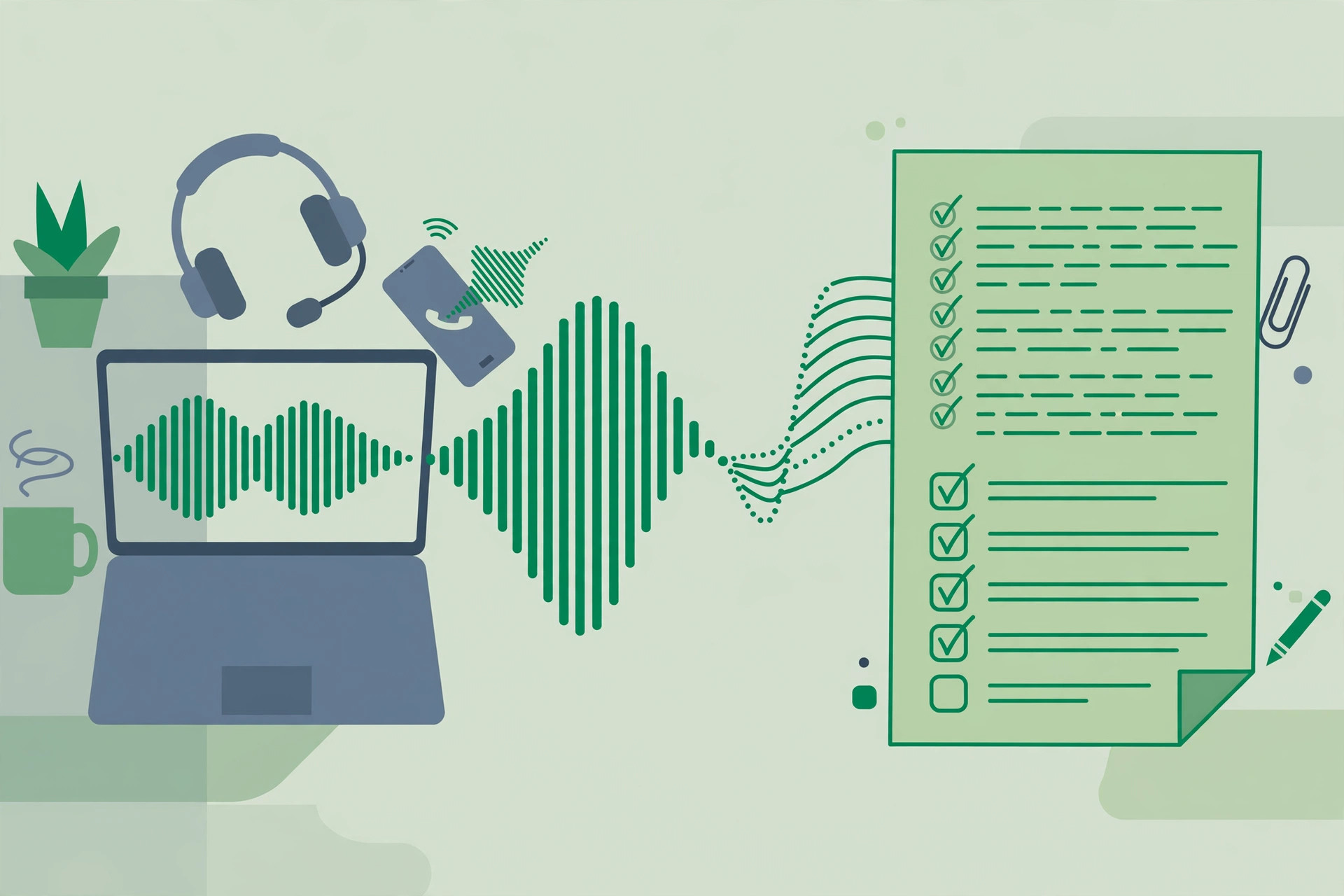
A 30-minute discovery call takes a few minutes to process and about 10–15 minutes to review. Build it into your post-call routine: end call → transcribe → notes → next task. The routine matters more than the tool.
Step 3: Turn Transcripts into Project Notes
A raw transcript is a record; project notes are a tool. Convert with this template, 10 minutes per call:
Call notes template:
- Date / client / project:
- Decisions made: (numbered, these are the contractual ones)
- Action items: (who does what by when, yours and theirs)
- Open questions: (unresolved items needing follow-up)
- Scope signals: (anything that sounded like scope change, flag early)
- Key quotes: (2–3 verbatim lines worth keeping, budget mentions, deadline statements, approval criteria)
The scope-creep early warning system: re-read the transcript specifically listening for scope language, “while you’re at it,” “it would be great if,” “we were thinking maybe also.” Clients don’t announce scope creep; they hint at it. The transcript lets you catch the hint, price it, and raise it before you’ve done the work for free. One caught scope expansion pays for a year of this habit.
Step 4: Organize for the Long Term
Freelancers accumulate calls across clients and years. A simple system beats a complex one you’ll abandon:
- Folder per client, file per call:
clients/acme-corp/calls/2026-09-24_discovery-call_transcript.md - Notes in the same folder: transcript + project notes side by side.
- Searchable. Plain-text transcripts are grep-able and Spotlight-searchable, “what did Acme say about the timeline?” is a five-second search, forever.
- Retention. Keep transcripts for the life of the client relationship plus your contract’s dispute window. Then archive or delete, old client data is a liability, not an asset.
Handling Sensitive Client Calls
Some calls contain material under NDA: unreleased products, financials, acquisition plans. For these:
- Prefer transcription that doesn’t upload audio to a server, browser-based processing keeps the recording on your machine.
- Store transcripts with the same care as the NDA requires: encrypted storage, no shared drives, no forwarding.
- Your notes template still applies, just keep the “key quotes” section factual rather than copy-pasting the client’s most sensitive sentences into more places than necessary.
Frequently Asked Questions
Do I really need to record every client call?
Record the calls where decisions happen: discovery, scoping, feedback rounds, and anything involving money or deadlines. Casual check-ins with no decisions can stay unrecorded, use judgment, but default to recording when stakes are nonzero. Storage is cheap; disputes are expensive.
What if a client refuses to be recorded?
Respect it without friction and take structured notes instead, using the same template above. Send the notes to the client after the call (“here’s my summary, please confirm”), the email thread becomes your written record. Some clients relax about recording after a few calls once trust is established.
How do I transcribe calls without paying for Otter.ai or similar?
Free browser-based transcription tools handle call recordings at no cost: upload the audio, get a timestamped transcript, no subscription. Paid meeting assistants earn their price on live meetings with real-time notes and integrations, for transcribing a recording you already have, the free workflow does the job.
Can transcripts help with hourly billing disputes?
Yes, they’re among the best evidence you can have. A transcript shows what was discussed, what was decided, and implicitly how long the working session ran. Pair transcripts with your time-tracking (see our billable-hours tracking guide) and billing disputes become very short conversations.
Should I share transcripts with clients?
Generally share the notes, not the raw transcript. Send your structured summary with decisions and action items, and ask for confirmation, that confirmation email is contractually useful. Keep the full transcript as your private record; raw transcripts contain your own half-formed thoughts and reading them can confuse more than clarify.
How long does the whole workflow take per call?
Roughly 15–25 minutes for a 30-minute call: a few minutes of automated processing plus 10–15 minutes for review and notes. It feels like overhead until the first time a transcript resolves a “you said / I said” dispute in your favor, then it feels like the cheapest insurance you’ve ever bought.
Conclusion
For freelancers, transcribing client calls isn’t about having fancy tools, it’s about never again losing money to a forgotten agreement. Record with consent, transcribe free in your browser, convert to structured notes with the template above, and file everything per client. The habit costs 20 minutes per call and pays back in protected scope, faster notes, cleaner billing, and disputes that end the moment you quote the transcript. Start with your next discovery call.