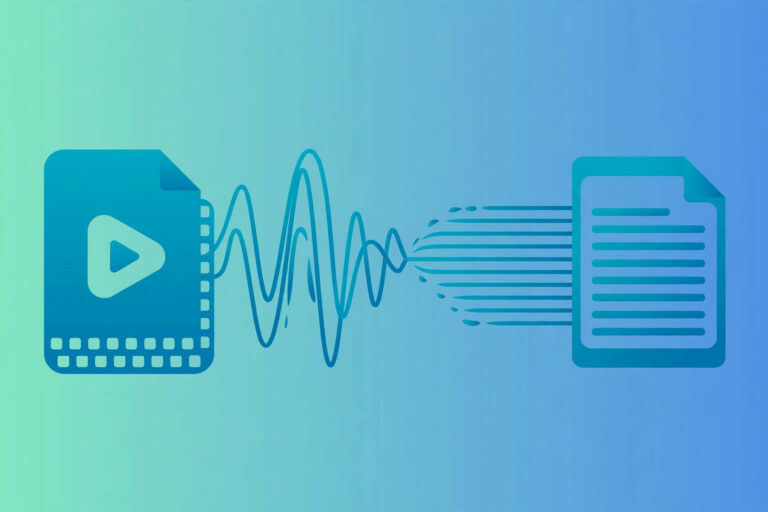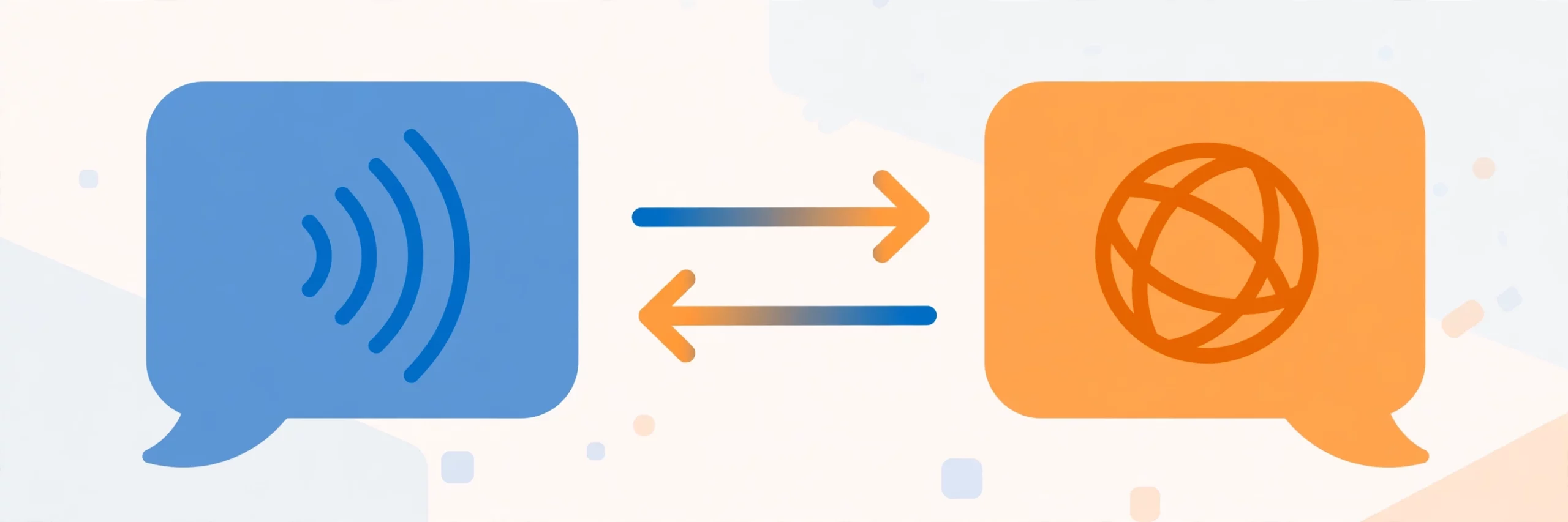
Direct answer: Transcription turns speech into text in the same language. Translation changes content from one language into another. They solve different problems, and multilingual video work usually needs both — transcribe first, then translate the transcript.
Key takeaways:
- Transcription: audio or video → written text, same language.
- Translation: text (or speech) → another language, meaning and tone preserved.
- Same-language captions need transcription; other-language subtitles need both.
- Legal and medical work often needs certified versions of either service.
- Ordering the wrong one wastes money — check which service the job actually needs.
[ez-toc]
What Is Transcription?
Transcription converts spoken language into written text in the same language. An English interview becomes an English transcript; a Spanish lecture becomes a Spanish transcript. The work is monolingual: it captures what was said, word for word (verbatim) or edited for readability (clean verbatim), and puts it into a document you can search, quote, and archive.
Transcription is used for interviews, meetings, lectures, podcasts, legal depositions, and medical dictation. Its value is a written record: searchable, quotable, and independent of the recording. Real-time transcription — live captioning — serves the same purpose during a live event. For the mechanics, see our guide to transcribing MP3 files and our guide to how AI transcription works.
What Is Translation?
Translation converts content from one language into another while preserving its meaning, tone, and context. An English document becomes a Spanish document; a French website becomes an English one. It is not word-for-word replacement — a good translation restructures sentences, adapts idioms, and respects cultural differences so the result reads naturally in the target language.
Translation is used for documents, websites, training materials, marketing content, and subtitles for foreign-language video. Its value is reach: the same content, understood by people who do not speak the source language.
Transcription vs Translation: Side by Side
| Aspect | Transcription | Translation |
|---|---|---|
| Input | Audio or video recording, live speech | Text, or audio/video that must change language |
| Output | Written text in the same language | Written text in a different language |
| Changes | Format (speech → text) | Language (one language → another) |
| Used for | Records, captions, searchable archives, analysis | Reaching other-language audiences, localization |
| Common tools | AI transcription tools, human transcribers | Translators, translation software, AI translation |
| Speed | Minutes (AI) to days (human) | Hours to days, depending on length and language |
When to Use Each
Use transcription when: you have an interview or focus group to analyze, you need a written record of a meeting or hearing, you want captions in the same language as the video, or you need accessible versions of audio content for people who prefer reading. Legal depositions and court recordings usually need verbatim transcription, often certified — our free verbatim transcription guide explains when to use full verbatim and when clean verbatim is enough.
Use translation when: your audience speaks a different language, you are localizing a website or app, you are preparing multilingual training or compliance materials, or you are publishing content in another market. A document written in English and needed in Spanish is a translation job, not a transcription job. When the accuracy must be human-checked, professional transcription services are the right call — see our guide to professional transcription services.
Use both when: you have a video in one language and want subtitles in another. The workflow runs in two steps: transcribe the original audio first, then translate the transcript into the target language, then use the translation for subtitles, dubbing, or localized documents. Multilingual audio needs the same treatment — see our guide to transcribing audio in other languages. Skipping the transcription step and translating straight from audio is possible with some tools, but a written transcript in between gives you something to check, correct, and reuse.
Limitations & Edge Cases
- Translation is not transcription, and the order matters. Asking a vendor for “translation” of an English recording when you need an English transcript wastes a round of back-and-forth. Name the service by its output: same-language text means transcription.
- Machine output still needs review. AI transcription and AI translation are both fast and both make mistakes — names, terms, and tone are the usual casualties. Regulated work (legal, medical, financial) needs human review regardless of which service you ordered.
- Accuracy claims do not transfer. A tool that transcribes English well may translate poorly, and vice versa. Test each service on your own material rather than assuming one good result covers both.
- Certification is separate from the service. A certified translation and a certified transcript are different deliverables with different requirements. If a court, agency, or institution needs certification, say so when ordering — it is not automatic.
Frequently Asked Questions
What is the difference between transcription and translation?
Transcription turns speech into text in the same language. Translation changes content from one language into another while preserving meaning. One changes format; the other changes language.
Do I need transcription or translation for subtitles?
Same-language subtitles need transcription. Subtitles in another language need both: transcribe the audio first, then translate the transcript.
Can AI do both transcription and translation?
Yes. Many AI tools transcribe audio and then translate the transcript into other languages. The two steps are still distinct — check the transcript before translating it, because translation errors compound transcription errors.
Is transcription always in the same language?
Yes, by definition. A transcript of a Spanish recording is in Spanish. If you need that transcript in English, that second step is translation.
Which costs more, transcription or translation?
It depends on the job. AI transcription is usually cheap and fast; human transcription is priced per minute; translation is usually priced per word or per page and varies by language pair. Get a quote for the actual deliverable rather than comparing headline rates.