Direct answer: Bottom line: getting video to VTT Subtitles Converter — Free WebVTT Captions right matters more than getting it fast. Here is what you need to know.
Key takeaways:
- What Is a WebVTT File?: WebVTT (Web Video Text Tracks) is a plain-text format designed for the web and defined by the W3C WebVTT specification.
- Why VTT for Web Video (Instead of SRT)?: SRT is the universal subtitle file, but VTT is the web subtitle file.
- How to Convert Video to VTT Free (Step by Step): (Disclosure: TranscriptionAid is our own tool.) TranscriptionAid’s free tool generates WebVTT caption files from your video or audio in the browser, no signup, no
- Convert Video to VTT Subtitles Free in Your Browser: (Disclosure: TranscriptionAid is our own tool.) TranscriptionAid’s free tool generates WebVTT caption files from your video or audio in the browser, no signup, no
- Audio quality drives accuracy more than any feature, so start with a clean recording.
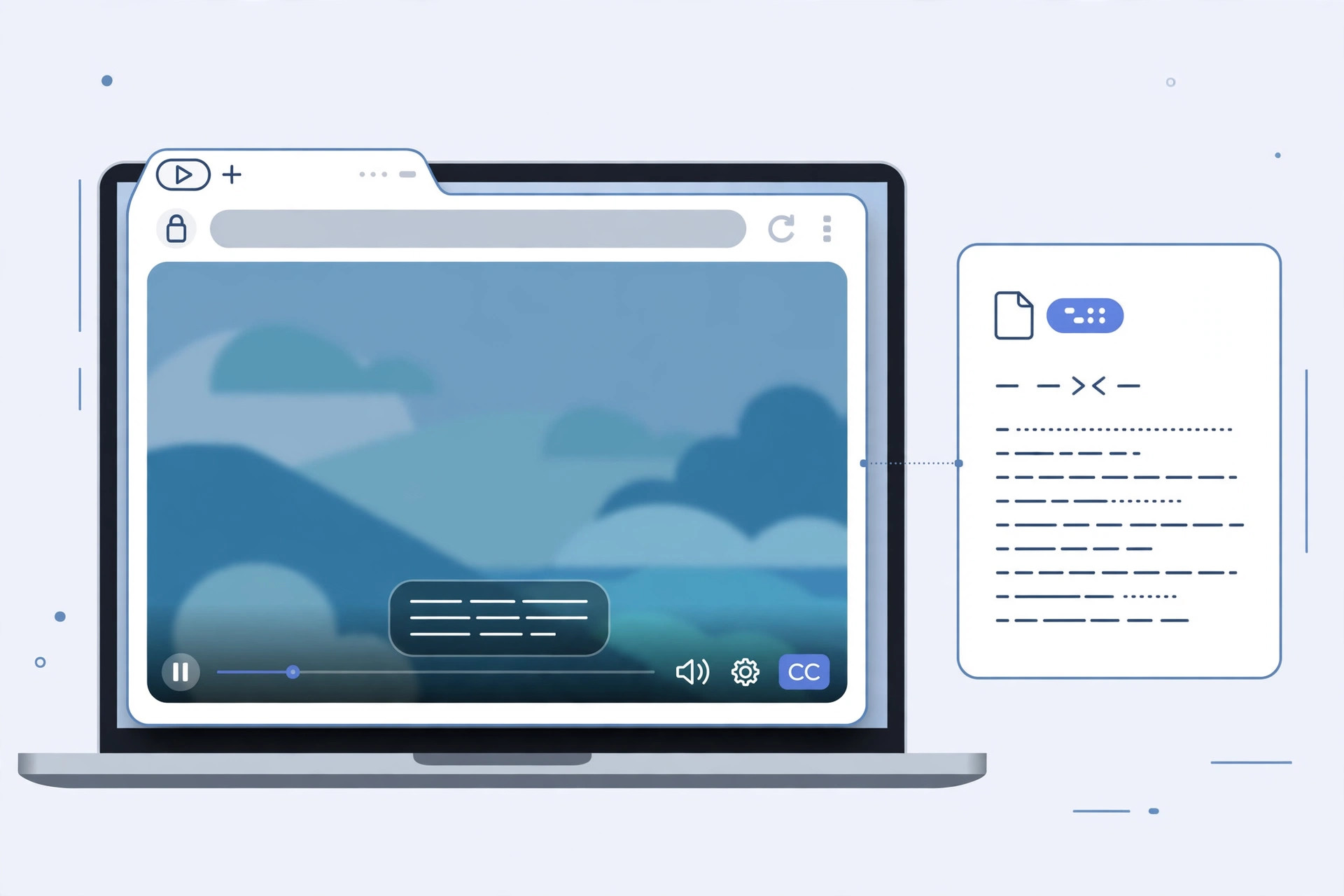
If your video plays on the web, a course platform, a marketing site, a membership portal, any HTML5 <video> player, WebVTT (.vtt) is the caption format you want. It is the web-native subtitle standard: browsers render it directly, it supports positioning and styling, and it is required for accessible video under most web accessibility guidelines. And generating one is free: convert your video to VTT subtitles online with no signup, right in your browser.
[ez-toc]
What Is a WebVTT File?
WebVTT (Web Video Text Tracks) is a plain-text format designed for the web and defined by the W3C WebVTT specification. A minimal VTT file looks like this:
WEBVTT

00:00:04.200 --> 00:00:07.800
Welcome back to the course. In this lesson we cover
caption workflows for web video.

00:00:08.100 --> 00:00:11.400
First, why VTT instead of other subtitle formats.
Two things distinguish it from its cousin SRT: the required WEBVTT header on the first line, and periods (not commas) in the timestamps. Beyond that, VTT adds web-specific superpowers, cue positioning (line:90%), text alignment, and basic styling, that SRT simply does not have. Browsers parse it natively, which means no JavaScript subtitle library is needed for basic captions.
Why VTT for Web Video (Instead of SRT)?
SRT is the universal subtitle file, but VTT is the web subtitle file. Here is when VTT wins:
- Native HTML5 support. The
<track>element expects WebVTT. Pair a VTT file with your video and every modern browser renders captions with its built-in controls, no plugins, no libraries. - Styling and positioning. VTT cues can be positioned (top of frame for overlapping lower-thirds), aligned, and styled, useful for branded players and complex layouts.
- Accessibility compliance. WCAG-guided sites need captions on web video; VTT +
<track>is the standards-based way to deliver them, and it works with screen readers’ expectations. - Chapters and descriptions. The same VTT mechanism powers chapter tracks and audio-description tracks, so one format covers all your timed-text needs.
When to stick with SRT: YouTube/Vimeo uploads, desktop players like VLC, and video editors, all of which prefer SRT. Generate VTT when the destination is a web page; generate SRT when it is a platform or player. Most free tools export both from the same timestamped transcription, so you rarely have to choose blindly.
How to Convert Video to VTT Free (Step by Step)
- Get your video file. MP4 is the most common; most browser tools also accept MOV and other common video formats. If the file is huge, consider extracting just the audio track (MP3/M4A), smaller upload, same captions.
- Open a free browser-based transcription tool with VTT export. No signup, no installation.
- Upload the video (or its audio). The tool extracts the audio and transcribes it with timing.
- Review the timed transcript. Fix names, terms, and any awkward cue splits, web captions are visible to everyone, so this pass matters.
- Download the
.vttfile. Name it clearly, e.g.,lesson-04-captions-en.vtt. - Attach it to your web video with the
<track>element (see below).
Convert Video to VTT Subtitles Free in Your Browser
(Disclosure: TranscriptionAid is our own tool.) TranscriptionAid’s free tool generates WebVTT caption files from your video or audio in the browser, no signup, no server upload. Upload the file, review the timed captions, and download the .vtt ready for your HTML5 player.
Because timing is generated during transcription, cues stay synchronized with the speech, no manual syncing step, which is where most DIY caption workflows go wrong.
Adding VTT Captions to Your Web Video
The standard implementation is the <track> element inside your <video> tag:
<video controls preload="metadata">
  <source src="lesson-04.mp4" type="video/mp4">
  <track src="lesson-04-captions-en.vtt"
         kind="captions"
         srclang="en"
         label="English"
         default>
</video>
Key attributes:
kind="captions", tells the browser these are captions (as opposed tosubtitles,chapters, ordescriptions). Usecaptionsfor same-language accessibility captions.srclang="en", the language code; required for the track to be selectable.label="English", what users see in the player’s caption menu.default, makes this track active on load.
Multiple languages: add one <track> per language, the player builds the selection menu automatically. Generate each language’s VTT the same way (transcribe, translate the text, keep the timing).
Chapters with VTT: a second track with kind="chapters" and short-titled cues gives viewers a clickable chapter menu in supporting players, a nice upgrade for courses and long talks.
One gotcha: browsers require the VTT file to be served with the correct MIME type (text/vtt) and, when hosted on a different domain, proper CORS headers. If captions do not appear, the file path/MIME type is the first thing to check, the VTT content itself is rarely the problem.
VTT Styling and Positioning Basics
VTT’s advantage over SRT is control. A few practical techniques:
Positioning cues. Append settings to the timestamp line to move a cue, useful when captions would cover on-screen text or a speaker’s lower-third:
00:00:08.100 --> 00:00:11.400 line:90%
First, why VTT instead of other subtitle formats.
Cue identifiers. An optional name line above the timestamp lets you target cues with CSS:
intro-cue
00:00:04.200 --> 00:00:07.800
Welcome back to the course.
video::cue(#intro-cue) {
color: #ffd166;
}Basic cue styling. The ::cue pseudo-element styles all captions for that video:
video::cue {
  background: rgba(0, 0, 0, 0.7);
  font-size: 1.1rem;
}
Keep styling restrained, captions exist to be read effortlessly. High contrast, generous size, and minimal decoration beat clever design every time.
Caption Quality Checklist for Web Video
Before publishing, run through this list:
- Timing sanity. Cues should appear as the words are spoken, not seconds early or late. Spot-check the beginning, middle, and end.
- Line length. Two lines max per cue, roughly 42 characters per line. Long cues get cut off on small screens.
- Reading speed. Each cue needs enough screen time, about 1 second per 3 words minimum. Condense fast speech rather than flashing verbatim walls of text.
- Speaker identification. For multi-speaker video, prefix cues with names (
Maya: ...) or use VTT voice spans (<v Maya>...) so viewers can follow the conversation. - Sound cues in brackets.
[applause],[music],[laughter], accessibility captions describe meaningful non-speech audio, not just dialogue. - No overlapping cues. Each cue’s end time should not exceed the next cue’s start time; overlaps cause rendering glitches in some players.
- Validate the file. A quick pass with a free online VTT validator catches malformed timestamps before your users do.
Frequently Asked Questions
What’s the difference between VTT and SRT?
Both are plain-text subtitle formats. VTT has a WEBVTT header, uses periods in timestamps, and supports positioning, styling, and web-specific features. SRT is simpler and more universally supported by platforms and desktop players. For HTML5 web video, VTT is the standard; for YouTube, VLC, and editors, SRT is the safer choice.
Can I convert an SRT file to VTT?
Easily. Add WEBVTT as the first line (followed by a blank line), replace the commas in timestamps with periods, and save with a .vtt extension. Many tools do this conversion automatically, and some free online converters handle it in one click.
Do all browsers support VTT captions?
All modern browsers (Chrome, Edge, Firefox, Safari) support WebVTT through the <track> element. Very old browsers may not, but for any current audience, VTT just works.
Is converting video to VTT really free?
Yes. Generating a VTT file from video or audio is a standard feature of free browser-based transcription tools, no signup, no per-minute charges. You are paying nothing for the format conversion itself.
How do I add VTT captions to a course platform like Teachable or Thinkific?
Most course platforms have a captions/subtitles upload option in the video settings, upload your .vtt file there. If the platform only accepts SRT, generate the SRT version instead (or convert). For fully custom sites, use the <track> element shown above.
Can VTT files include multiple languages?
One VTT file holds one language. For multilingual captions, generate a separate VTT per language and add a <track> element for each, the video player presents them as a language menu automatically.
Conclusion
WebVTT is the right caption format for web video, native browser support, styling control, and accessibility compliance in one plain-text file. Generating one is free and straightforward: upload your video or audio, download the VTT, and wire it up with a <track> element. Your web videos become accessible, more engaging on mute, and friendlier to every viewer who prefers reading along.