Direct Answer: Otter.ai provides real-time AI transcription for meetings, lectures, and interviews with solid accuracy for clear audio. It is ideal for students and professionals who need searchable, shareable transcripts, though the free plan has monthly minute limits.
Key Takeaways:
- Real-time transcription with speaker identification
- Free plan includes 300 monthly transcription minutes
- Integrates with Zoom, Google Meet, and Microsoft Teams
- Searchable transcripts make finding key moments fast
[ez-toc]
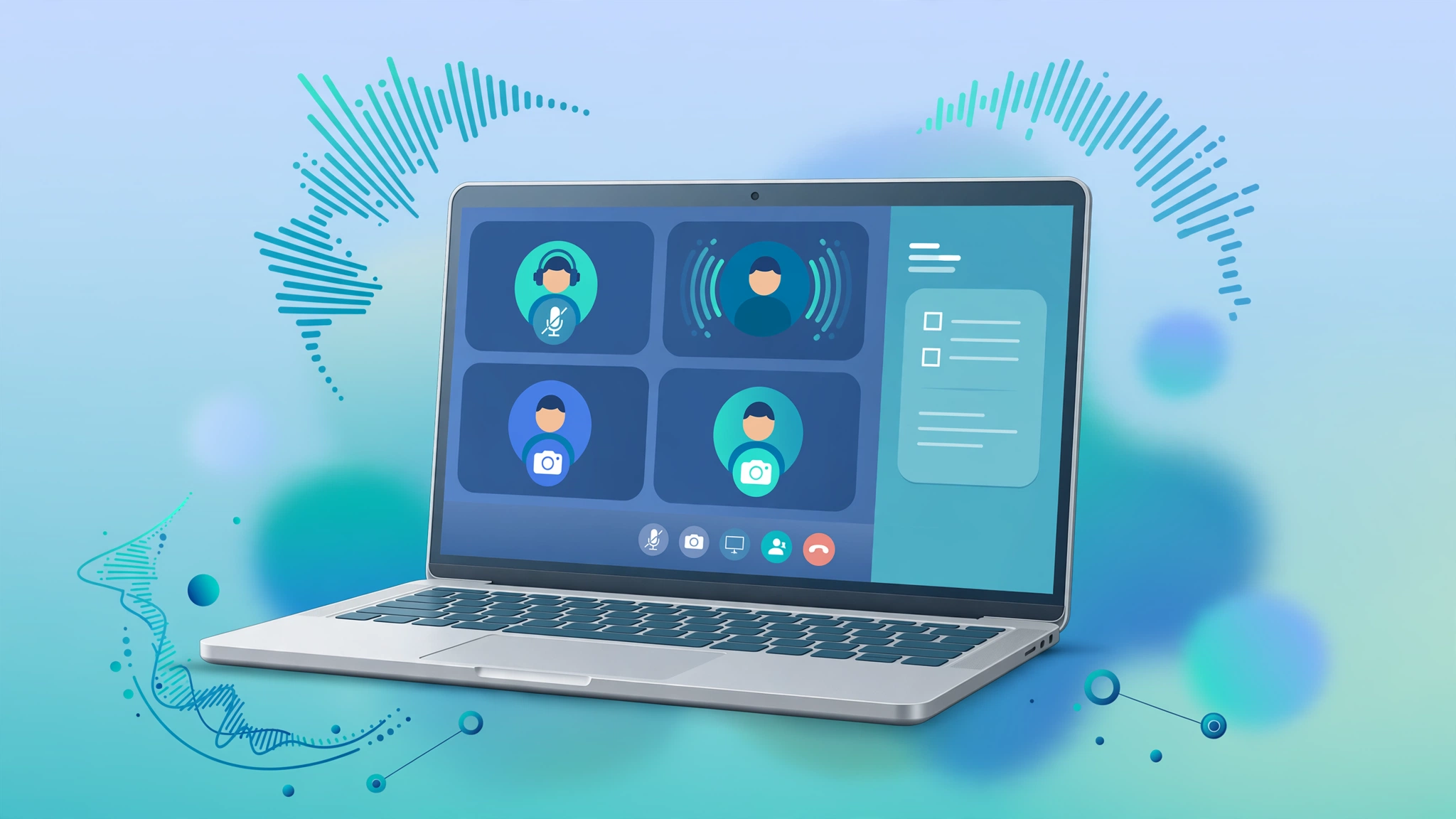
If your calendar is full of Zoom, Google Meet, or Microsoft Teams calls, you’ve probably heard of Otter.ai. It’s one of the best-known AI meeting transcription tools: it joins your calls, transcribes everything in real time, and hands you a summary with action items when the meeting ends.
This Otter.ai review is a research-based look at what the tool actually does, what it costs, where it shines, and where it falls short, so you can decide whether it deserves a seat in your meetings.
Disclosure: this post may contain affiliate links. If you sign up through them, we may earn a commission at no extra cost to you. It doesn’t change how we evaluate tools, and as you’ll see below, this review includes genuine criticism.
How we evaluated: This is a research-based review, not a lab test. We assessed Otter.ai using its publicly documented features and current pricing, plus verified user feedback from review platforms such as G2 and Capterra. We did not run controlled accuracy benchmarks in a lab, so wherever real-world experience varies, especially transcription accuracy, we say so and attribute the claim. What we looked at: core features, pricing and plan limits, reported accuracy, ease of use, integrations, and support reputation.
Key Features
- OtterPilot meeting bot, Otter.ai’s signature feature. Once connected to your calendar, the OtterPilot bot automatically joins your scheduled Zoom, Google Meet, or Microsoft Teams calls, transcribes live, and emails a summary afterward. You never have to remember to press record.
- Real-time transcription with speaker identification, speech is converted to text as the meeting happens, with speakers labeled so you can see who said what.
- AI summaries and action items, shortly after a call ends, Otter.ai generates a structured recap: key points, decisions, and follow-up tasks pulled out automatically.
- AI Chat, ask questions about your meetings (“what did we decide about the launch date?”) and get answers drawn from your transcripts, within a single meeting or across your history.
- Searchable meeting archive, every transcript is keyword-searchable, which becomes genuinely useful after a few months when you need to find something from a call you barely remember.
- File imports, upload pre-recorded audio or video files for transcription instead of capturing live meetings.
- Team vocabulary and taggable speakers (paid plans), teach Otter.ai your company’s jargon, product names, and acronyms to reduce mis-transcriptions.
- Integrations, native connections for Zoom, Google Meet, Microsoft Teams, Slack, Salesforce, HubSpot, and Zapier on higher tiers.
- Mobile apps, iOS and Android apps for recording and transcribing on the go.
- Multi-language support, transcription in multiple languages beyond English.
Otter.ai Review: Pricing Plans
Otter.ai uses per-user pricing with four tiers. The numbers below are based on third-party pricing roundups updated in September 2026, always confirm current rates on the official Otter.ai pricing page before buying, since plans and limits change.
| Plan | Price | Transcription minutes | Per-conversation limit | Key limits |
|---|---|---|---|---|
| Basic (free) | $0 | 300 min/month | 30 minutes | 3 lifetime file imports; only 25 most recent conversations kept |
| Pro | $16.99/user/month (monthly) or ~$8.33/user/month (annual) | 1,200 min/month | 90 minutes | 10 file imports/month; advanced search and export |
| Business | $30/user/month (monthly) or ~$19.99/user/month (annual) | 6,000 min/month | 4 hours | Unlimited file imports; join up to 3 concurrent meetings; admin analytics |
| Enterprise | Custom, contact sales | Custom | Custom | SSO/SCIM, HIPAA compliance add-on, Sales Notetaker, API and webhooks |
A few things worth knowing about the pricing structure. First, the free Basic plan is genuinely useful for testing, but the limits bite fast: 300 minutes a month sounds like a lot until one long team meeting eats a chunk of it, and the 30-minute per-conversation cap means longer calls get cut off mid-recording unless you restart them manually. The 3-lifetime file import limit (not per month, lifetime) is the stingiest restriction and surprises a lot of users.
Second, watch the per-conversation cap, not just the monthly total. Even on Pro, a single meeting can’t run past 90 minutes. If your team does long workshops or all-hands calls, you may need Business purely for the 4-hour cap.
Third, per-user billing adds up. A 10-person team on Business at monthly billing is $300/month. Annual billing cuts that substantially, but it’s still a real line item, which is why it’s worth comparing against Otter.ai free alternatives before committing.
Strengths
The auto-join bot actually works. OtterPilot is the feature competitors keep trying to copy. Once your calendar is connected, the bot shows up, transcribes, and sends the summary without you touching anything. For people who live in back-to-back calls, removing the “remember to record” step is a bigger deal than it sounds.
Good accuracy on clear audio. Users on G2 and Capterra commonly report that Otter.ai handles clear, single-speaker-at-a-time English audio well. It’s not perfect, no AI transcription is, but for standard business meetings with decent microphones, the transcripts are usable with light cleanup.
Summaries and action items save real time. The post-meeting recap is where Otter.ai earns its keep. Instead of re-reading a 45-minute transcript, most users skim the AI summary and action items. Reviewers frequently cite this as the feature that justifies the subscription.
Searchable history compounds in value. This is the underrated one. After three to six months, you have a searchable archive of everything discussed. “What did the client say about the deadline in March?” becomes answerable in seconds.
Solid integrations. Native support for the big three meeting platforms plus Slack, Salesforce, HubSpot, and Zapier means transcripts flow into the tools teams already use, rather than living in yet another silo.
A free tier that lets you properly test. Unlike trials that expire in 7 days, Basic is free indefinitely. You can genuinely evaluate transcription quality on your own meetings before paying anything.
Weaknesses
The free plan’s limits are tight. 300 minutes a month, a 30-minute per-conversation cap, and 3 lifetime file imports mean the free tier covers roughly one or two short meetings a week. Many users report hitting the ceiling within the first month and feeling pushed to upgrade.
Accuracy drops on difficult audio. This is the most common complaint across review platforms: overlapping speakers, strong accents, background noise, and poor microphones all degrade transcript quality noticeably. Users commonly report spending 10–20 minutes cleaning up a one-hour meeting transcript, which eats into the time savings.
Speaker identification needs babysitting. Otter.ai sometimes mislabels speakers or splits one person into two. On paid plans you can tag speakers and build team vocabulary to improve this, but it requires manual setup and ongoing correction.
The bot can feel intrusive. OtterPilot joining every meeting automatically bothers some participants, clients and interviewees occasionally ask “what is that bot?” Having an uninvited AI in sensitive calls is a legitimate social friction, and some users report turning auto-join off and going manual.
Privacy deserves a read-through. If your meetings involve sensitive, confidential, or regulated content, read Otter.ai’s privacy policy carefully before connecting it to your calendar. Any cloud transcription service processes your audio on its servers, understand the data retention and human-review policies first.
No human transcription option. Otter.ai is AI-only. If you need guaranteed 99% accuracy for legal, medical, or published content, there’s no human-reviewed tier to escalate to, you’d need a different service entirely (see our Rev review for the human-transcription alternative).
Per-user pricing scales steeply for teams. Business at $30/user/month monthly billing gets expensive for larger teams, and several reviewers note that the jump from Pro to Business feels large relative to the added features.
Who Should Use It, and Who Should Skip It
Otter.ai is a good fit if you:
- Attend frequent Zoom, Meet, or Teams meetings and want notes without taking them
- Manage a team and need a searchable record of decisions and commitments
- Are a student or researcher recording lectures and interviews (the free tier covers light use)
- Already live in Slack, Salesforce, or HubSpot and want transcripts flowing into those tools
You should probably skip it if you:
- Need certified, near-perfect accuracy for legal, medical, or compliance purposes, look at human transcription services instead
- Run meetings longer than 90 minutes regularly but can’t justify the Business tier
- Handle highly sensitive conversations and aren’t comfortable with cloud AI processing (review the privacy policy first)
- Only need occasional transcription of uploaded files, a pay-per-use tool or free alternative will cost less
- Want a side-by-side comparison first, see Notta vs Otter.ai and Whisper vs Otter.ai
Otter.ai Review: Final Verdict
Otter.ai earns its reputation. The auto-joining meeting bot, solid real-time transcription on clear audio, and genuinely useful AI summaries make it one of the most practical AI note-takers for people drowning in meetings. The searchable archive alone becomes more valuable every month you use it.
But go in with open eyes: the free tier is a trial in all but name for anyone with a real meeting load, accuracy on messy audio requires cleanup time, and per-user pricing means teams should do the math before committing. It’s an AI assistant for your meetings, not a replacement for careful listening, and not a substitute for human transcription when accuracy is non-negotiable.
Bottom line: best for professionals and teams with heavy meeting schedules who want automatic notes and searchable history. Not for legal-grade accuracy, very long meetings on a budget, or privacy-sensitive calls you haven’t vetted.
Frequently Asked Questions
Is Otter.ai really free?
Yes, the Basic plan is free with no time limit, but it’s limited: 300 transcription minutes per month, a 30-minute cap per conversation, and only 3 file imports for the lifetime of the account. It’s enough to test the service properly, but most regular users outgrow it within a month or two.
How accurate is Otter.ai?
Otter.ai doesn’t publish a single official accuracy figure. Users on G2 and Capterra commonly report strong results on clear, well-recorded English speech and noticeably weaker results with overlapping speakers, heavy accents, or background noise. Expect to spend some time correcting transcripts from difficult audio, no AI tool is exempt from that.
Does Otter.ai work with Zoom, Microsoft Teams, and Google Meet?
Yes, all three. The OtterPilot bot can automatically join scheduled calls on Zoom, Google Meet, and Microsoft Teams once you’ve connected your calendar. You can also record directly through the Otter.ai web or mobile app.
Can Otter.ai transcribe pre-recorded audio or video files?
Yes, via file imports, but watch the limits. The free Basic plan allows only 3 imports for the lifetime of the account. Pro allows 10 imports per month, and Business allows unlimited imports. If file transcription (rather than live meetings) is your main need, check those limits carefully against your volume.
Is it safe to let Otter.ai’s bot join private meetings?
The bot announces itself when it joins, and participants can see it’s recording. For confidential, legal, or regulated discussions, review Otter.ai’s privacy and data-retention policies before enabling auto-join, and consider disabling auto-join for sensitive calls. When in doubt, ask participants first.
Try it free first: Before paying for any transcription tool, test what AI transcription can do right now, try TranscriptionAid’s free transcription tool and compare the results yourself.
Sources and further reading: Otter.ai