Direct answer: In short, learning how to transcribe a Lecture Recording takes just a few minutes once you follow the right steps. This guide walks you through each one.
Key takeaways:
- Quick Steps to Transcribe a Lecture Recording: Turn lecture recordings into study notes:
- Why Transcribe Lectures?: A raw transcript is not yet study notes, it is the raw material.
- Tips for Best Results: A raw transcript is not yet study notes, it is the raw material.
- From Transcript to A-Grade Notes: A raw transcript is not yet study notes, it is the raw material.
- When in doubt, test with your own audio before committing to a paid plan.
Students record lectures to capture everything, then never listen to them again. The problem is not motivation, it is that audio is a terrible study medium. You cannot skim a 90-minute recording, search it for a concept, or highlight key passages. So the recordings sit untouched while exam day approaches.
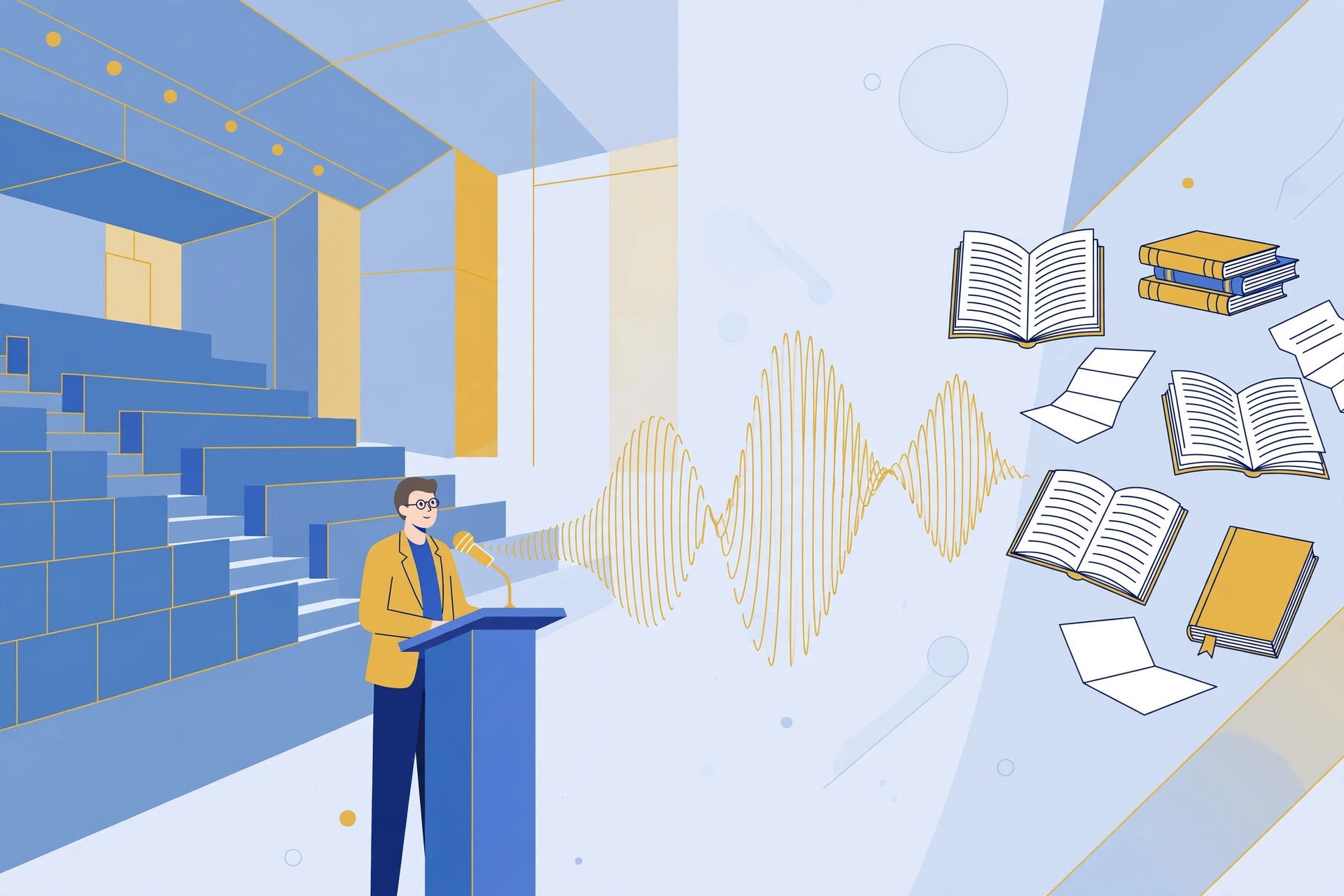
Transcription fixes this completely. A lecture transcript can be searched for any term, skimmed in minutes, highlighted, and turned into flashcards or study guides. What was once an intimidating wall of audio becomes one of your most powerful study resources. Here is the free workflow.
Quick Steps to Transcribe a Lecture Recording
Turn lecture recordings into study notes:
- Get your recording, Use the lecture audio from your phone, laptop, or the university’s recording system.
- Open the transcription tool, Go to TranscriptionAid in your browser. Free, no signup.
- Upload the lecture, Drop in the audio file. Full-length lectures are supported.
- Generate the transcript, Get timestamped text of the entire lecture.
- Study from the text, Highlight key concepts, search for terms, and build your notes directly from the transcript.
Why Transcribe Lectures?
- Study efficiently: Search for any concept instantly instead of scrubbing through hours of audio.
- Never miss a point: Capture everything the lecturer said, including asides your notes missed.
- Create study materials: Transcripts become flashcards, summaries, and practice questions with minimal effort.
- Support all learners: Reading along with audio helps many students absorb complex material better.
Tips for Best Results
- Sit near the front: For future recordings, proximity to the lecturer dramatically improves audio quality and transcription accuracy.
- Fix technical terms: Subject-specific vocabulary is the most common error, keep your textbook handy during review.
- Mark slide changes: Note where the lecturer moves to a new slide so your transcript maps to the visual materials.
- Transcribe weekly: Do not let recordings pile up. Transcribing each lecture the same week keeps the material fresh.
From Transcript to A-Grade Notes
A raw transcript is not yet study notes, it is the raw material. The transformation happens in your review pass. As you read through, highlight definitions, mark cause-and-effect chains, and flag anything the lecturer emphasized by repetition or tone. These annotations turn a flat transcript into a structured study guide.
Active recall beats passive re-reading. After reviewing a transcript section, close it and write down everything you remember. Then check what you missed. This single technique outperforms hours of re-reading for exam preparation.
Form study groups around transcripts. Dividing a course’s transcripts among group members, each person creating summaries for assigned lectures, multiplies everyone’s coverage while dividing the workload.
Common Lecture Transcription Challenges
Student questions: Questions from the back of a large hall are often inaudible on the recording. Note where questions occurred and fill in from your own notes or classmates.
Board work references: Lecturers constantly say ‘as you can see here’ while pointing at the board. Photograph the board at key moments and reference the images in your transcript notes.
Guest lecturers: Unfamiliar voices and speaking styles take more review effort. The first lecture from a new speaker always needs the most correction.
Lab and practical sessions: Hands-on sessions with equipment noise and movement transcribe poorly. Focus transcription effort on the briefing and debrief portions.
Frequently Asked Questions
Can I transcribe a 2-hour lecture?
Yes. Long recordings are supported, though splitting very long files can make processing and review more manageable.
What if the lecturer has a strong accent?
Clear speech transcribes best regardless of accent. A review pass with your course materials nearby resolves most uncertainties.
Can I share the transcript with classmates?
That depends on your institution’s policies. Many universities allow sharing study materials; check your course rules first.
Will this work for recorded Zoom lectures?
Absolutely. Download the lecture recording and upload it the same way.
Is it legal to record and transcribe lectures?
Policies vary by institution and jurisdiction. Many universities allow personal recording; some require professor permission. Always check your school’s policy first.
Can I use transcripts to create practice exams?
Absolutely. Transcripts are ideal source material for generating practice questions, pull key concepts and turn them into Q&A format for self-testing.
The students who thrive are not necessarily the smartest, they are the ones with the best systems. A lecture-to-transcript pipeline is one of the highest-return study systems you can build, and it starts with a single upload.
Upload your first lecture today. By the time exams arrive, you will have a complete searchable archive of the entire course, the kind of study resource most students wish they had built sooner.
Start Transcribing Free
Ready to convert your audio to text? Try the free transcription tool now, no signup, no installation, just upload and go.