Direct answer: The quick version: create YouTube Chapters from a Transcript is easier than most people expect once you know the key facts. Details below.
Key takeaways:
- YouTube’s Chapter Rules (Read These First): Chapters only activate if all of these are true:
- Why Start from a Transcript?: You could scrub through your video and note timestamps by hand, and for a 5-minute video, that’s fine.
- The Transcript-to-Chapter Method, Step by Step: You need a transcript where you can see when things were said.
- Where Chapters Appear (and Why Placement Matters): Once active, chapters show up in:
- The right choice depends on your volume: occasional use favors free tiers, heavy use favors paid plans.
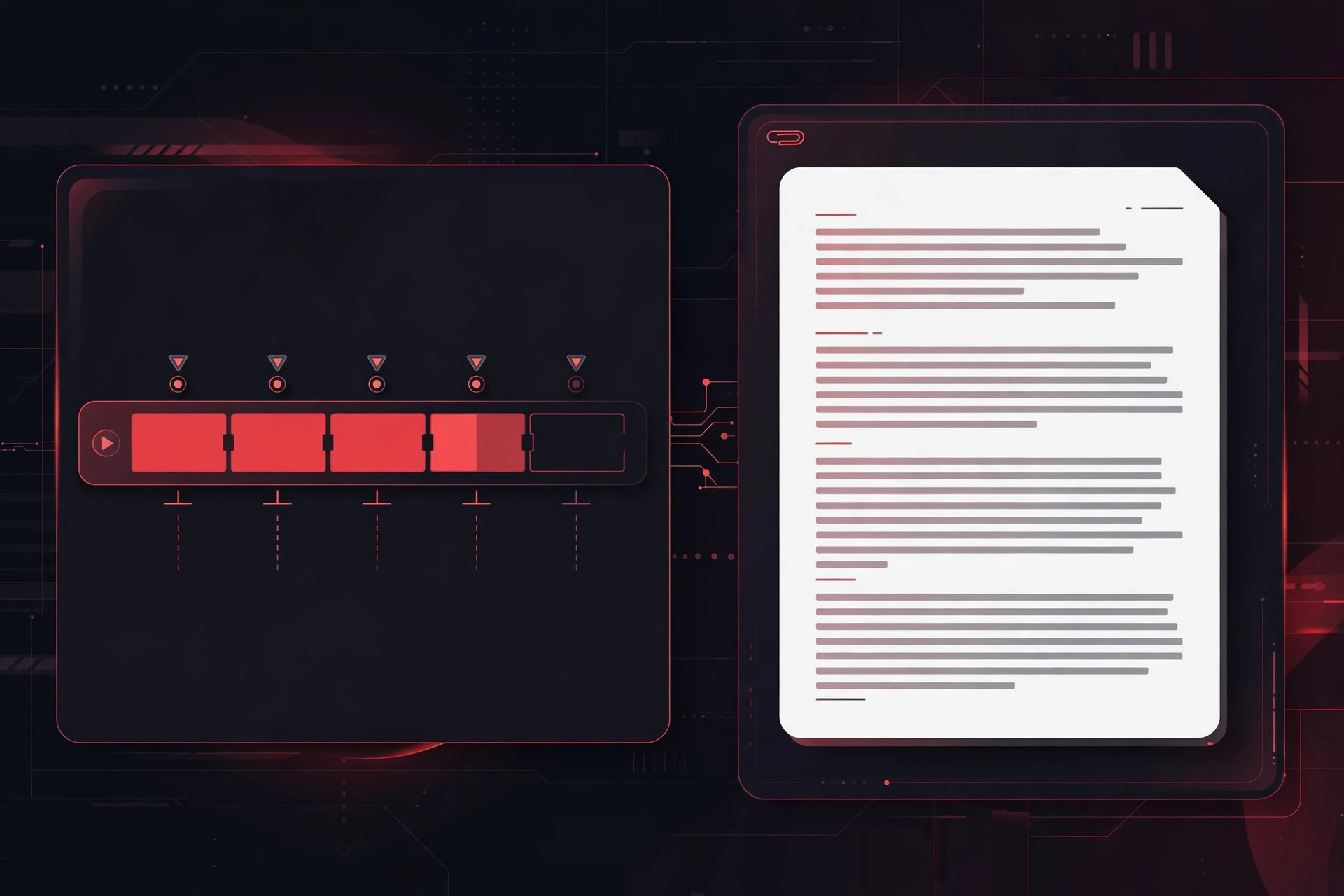
YouTube chapters, those clickable segments in the progress bar, are one of the highest-ROI tweaks a creator can make. They improve watch time (viewers jump to what they want instead of bouncing), they show up in Google search results, and they make long videos feel navigable. The fastest way to build them? Start from your video’s transcript.
[ez-toc]
This guide covers YouTube’s chapter rules, the transcript-to-chapter method step by step, and where exactly to place the timestamps so chapters actually appear.
YouTube’s Chapter Rules (Read These First)
Chapters only activate if all of these are true:
- The first timestamp starts at 00:00. Always. Even if your intro is just a logo sting, chapter one begins at zero.
- At least three chapters. Two timestamps won’t trigger chapters, you need three or more.
- Minimum chapter length: 10 seconds. Chapters shorter than 10 seconds are ignored.
- Timestamps go in the video description, in chronological order, each on its own line in
MM:SSorHH:MM:SSformat followed by the chapter title. - Titles should be descriptive, they appear in search results and in the video’s chapter list, so “Introduction” beats “Part 1.”
Get any of these wrong and YouTube silently shows no chapters, there’s no error message, which is why so many creators think chapters “don’t work.”
Format example:
00:00 Introduction
02:15 What SRT subtitles are
05:40 SRT vs VTT syntax differences
09:12 Which format to choose
12:30 FAQ and wrap-up
Each line: timestamp, one space, title. That’s the entire syntax.
Why Start from a Transcript?
You could scrub through your video and note timestamps by hand, and for a 5-minute video, that’s fine. But for anything longer, a transcript changes the job completely:
- You see the structure. A transcript reveals where topics actually change, which is often not where you remember changing them while recording.
- Chapter titles write themselves. The transcript shows you the exact phrasing of each section’s key point, lift it directly for the title.
- Timestamps are findable. Searching a transcript for “so the next thing” or “moving on to” locates every transition in seconds. Scrubbing video for the same moments takes far longer.
- It’s reusable. The same transcript that built your chapters can become your description summary, your blog post, or your newsletter.
If you don’t have a transcript yet, generate one from your finished video, YouTube’s own transcript panel, your editor’s transcription feature, or a free transcription tool all work. (Disclosure: TranscriptionAid is our own tool.) Our free browser-based transcription tool produces timestamped transcripts that make the next step nearly mechanical.
The Transcript-to-Chapter Method, Step by Step
Step 1: Get your transcript with timestamps
You need a transcript where you can see when things were said. YouTube’s transcript panel (open the video → description → “Show transcript”) gives you this, as does any transcription tool with timestamped output. Timestamps don’t need to be word-perfect, you need them at topic transitions, and you’ll round them anyway.
Step 2: Read through and mark topic shifts
Read the transcript (don’t watch the video, reading is faster) and mark every place where the subject genuinely changes. Ask: “If a viewer wanted only this part, where would they start?” Mark:
- The opening/hook (this becomes 00:00)
- Each new topic or subtopic
- Demos, examples, or case studies
- Q&A or FAQ sections
- The conclusion/call to action
Aim for 5–12 chapters for a typical 10–20 minute video. Fewer than 5 and chapters add little navigation value; more than ~15 and the chapter list becomes noise. For hour-long content (podcasts, webinars), 10–20 chapters is reasonable.
Step 3: Note the timestamp at each shift
At each marked topic shift, note the transcript timestamp. Round to a sensible nearby moment, ideally the start of the sentence that introduces the new topic, not mid-sentence. Round seconds to the nearest 5 for cleanliness (02:13 → 02:15 is fine; precision to the second doesn’t matter to viewers).
Verify each chapter will be at least 10 seconds long. If two topic shifts are 6 seconds apart, merge them, that’s one chapter, not two.
Step 4: Write descriptive titles
Each chapter title should tell a viewer exactly what they’ll get. Rules:
- Lead with the topic, not the sequence. “SRT vs VTT syntax differences” beats “Part 3.”
- Keep it under ~50 characters so it displays fully in the chapter list.
- Include keywords naturally. Chapter titles appear in Google search, “How to export SRT from CapCut” as a chapter title can rank for that query independently.
- Match the video’s language. If your video is in English, chapter titles in English, even if your audience is multilingual, consistency wins.
Step 5: Assemble and paste into the description
Format your chapters as timestamp + title, one per line, starting at 00:00. Paste them at the top of the video description (or at least above the fold), YouTube reads timestamps anywhere in the description, but viewers only benefit from chapters they can see, and the first lines of the description are prime real estate.
Then save. Chapters typically appear within minutes, though it can take longer on new uploads. If they don’t appear, re-check the rules: first timestamp at 00:00, minimum three chapters, 10-second minimums, chronological order.
Where Chapters Appear (and Why Placement Matters)
Once active, chapters show up in:
- The video progress bar, segmented with hover titles on desktop.
- The description, as a clickable chapter list.
- Google search results, “key moments” with timestamps, driving clicks straight to the relevant segment.
- YouTube search, video chapters can surface for queries matching chapter titles.
That last point is the SEO angle: each chapter is effectively a mini search listing for your video. Descriptive, keyword-aware chapter titles multiply the queries a single video can rank for. This is why “transcript → chapters” beats “chapters from memory”, the transcript keeps your titles anchored to what you actually said, which is what searchers are looking for.
Common Chapter Mistakes
Starting at 00:01 or later. The most common silent failure. Chapter one must be exactly 00:00.
Only two chapters. You need three minimum. If your video genuinely has two sections, split one, there’s always a natural sub-break.
Timestamps in the wrong order. Chapters must ascend chronologically. A transcript read-through prevents this; writing from memory causes it.
Chapters in comments or pinned comments. They must be in the video description. Comments don’t count.
Vague titles. “Intro,” “Main part,” “Conclusion” waste the SEO and navigation value. Every title should describe its content.
Too many micro-chapters. A chapter every 20 seconds for a talking-head video is visual clutter. Merge aggressively, chapters are navigation, not a table of contents for every sentence.
Forgetting Shorts and livestreams. Chapters work on regular videos and premieres; they’re less relevant for Shorts (too brief to segment) but valuable for long livestream VODs, the transcript method shines here since livestreams are exactly the content nobody wants to rewatch to timestamp.
Updating Chapters Later
Chapters aren’t permanent. Edit the description timestamps anytime, to fix a mistimed chapter, rename a title for SEO, or add chapters to an old video that’s suddenly getting traffic. Many creators find that adding chapters to back-catalog videos lifts their watch time without filming anything new.
The back-catalog play: sort your videos by views, take the top 10 without chapters, generate transcripts, and add chapters in one sitting. It’s among the highest-ROI maintenance tasks in a YouTube workflow.
Frequently Asked Questions
Do YouTube chapters help with SEO?
Yes, meaningfully. Chapters appear as “key moments” in Google search results, and chapter titles give YouTube and Google more structured text describing your video’s content. They’re one of the few metadata tweaks with both ranking and click-through benefits.
Why aren’t my chapters showing up?
Check the four rules: first timestamp exactly 00:00, at least three chapters, each at least 10 seconds, timestamps in the description in order. Also allow some processing time after saving. If all rules are met and chapters still don’t appear after a day, try re-saving the description.
Can chapters start with an intro or hook?
Yes, chapter one (00:00) is typically your intro or hook. Name it descriptively (“Why subtitles matter”) rather than “Intro” for the SEO benefit.
What’s the ideal number of chapters?
For 10–20 minute videos, 5–12. For long-form (30+ minutes), 10–20. The test: can a viewer find any specific topic in your video from the chapter list alone? If yes, you have enough; if the list itself needs navigating, you have too many.
Do I need a transcript, or can I just scrub the video?
You can scrub, but the transcript method is faster and produces better titles for anything over ~10 minutes. Reading a transcript to find topic shifts beats rewatching footage, and lifting titles from actual spoken phrasing beats inventing them from memory.
Can I use AI to generate chapters from my transcript?
Yes, paste your transcript into any capable language model and ask for chapter timestamps and titles following YouTube’s rules. Verify every timestamp against the actual video before publishing; AI-generated timestamps are approximate and sometimes hallucinated.
Conclusion
YouTube chapters are a small formatting task with outsized returns: better navigation, better watch time, and bonus search listings per video. The transcript-to-chapter method, read the transcript, mark topic shifts, round the timestamps, write descriptive titles, paste into the description, turns a tedious scrubbing job into a 20-minute desk task.
Start with your best-performing videos that lack chapters. One sitting, one transcript each, and your back catalog starts working harder in search and keeping viewers watching longer.
Sources and further reading: YouTube Help