When Battlefield 2042 launched, the gaming community had one burning question: can I finally play with my friends regardless of which platform they are on? The landscape of multiplayer gaming has shifted significantly over the last few years, with cross-platform play becoming an expected feature rather than a luxury. For a title as large-scale as Battlefield 2042, this functionality is not just a nice-to-have; it is essential for maintaining a healthy player base across different hardware ecosystems.
Understanding Cross-Play in Battlefield 2042
To answer the primary question: Yes, Battlefield 2042 is fully cross-platform. However, the way it functions depends heavily on which generation of hardware you are using. Electronic Arts and DICE implemented a system that segments players into two distinct pools to maintain competitive balance and technical parity.The first pool consists of players on the latest generation of hardware: PlayStation 5, Xbox Series X|S, and PC. If you are playing on any of these platforms, you can play together in the same matches. The second pool is reserved for those on older hardware: PlayStation 4 and Xbox One. Because these consoles have different technical limitations regarding player counts and map size, they cannot cross-play with the newer generation.
The Generation Divide
It is important to understand that you cannot simply jump from a PS4 lobby to a PS5 lobby. If you own a PS5 but want to play with a friend who is still on a PS4, you have to download the PS4 version of the game on your console to join them. This is a common hurdle in modern cross-gen titles, and it is vital to check which version of the client you are launching if you intend to group up with friends on older systems.
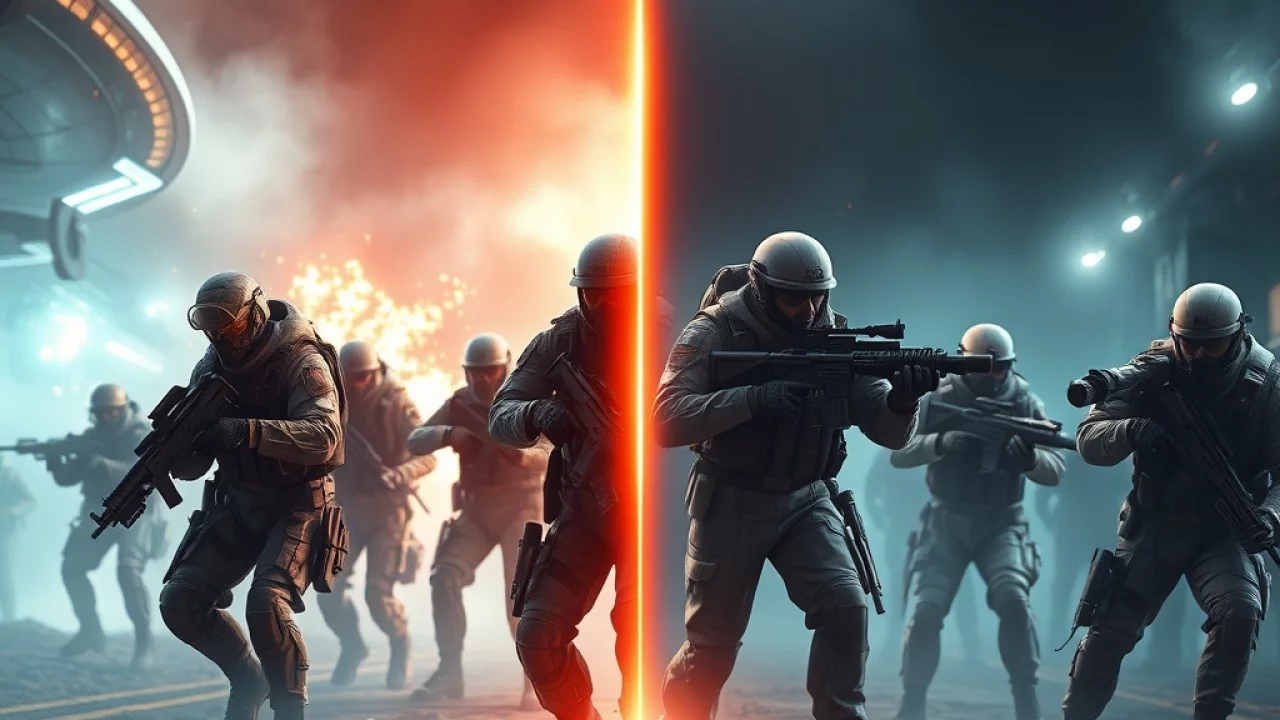
How Cross-Play Works Between Consoles and PC
The integration between PC and current-gen consoles is perhaps the most significant aspect of Battlefield 2042’s cross-play implementation. When you jump into a match, the game’s matchmaking system pulls from the combined pool of PC, PS5, and Xbox Series X|S players. This ensures that even at off-peak hours, you can fill servers quickly.However, this integration brings up the age-old debate regarding input methods. PC players using a mouse and keyboard generally have a higher precision ceiling than console players using controllers. DICE has attempted to mitigate this with robust aim assist for controller users, but some console players still prefer to keep cross-play disabled to avoid facing PC players who might have an advantage in long-range engagements.

Managing Cross-Progression and Your EA Account
Cross-play is only half of the equation; the other half is cross-progression. If you decide to switch from console to PC or vice versa, you likely don’t want to lose your hard-earned weapon unlocks, player level, and cosmetic items. Battlefield 2042 supports full cross-progression, provided that all your platforms are linked to the same EA Account.When you sign in to the game on a new platform, the server pulls your profile data from your linked EA account. This means your progression is stored in the cloud rather than locally on your console or PC. Whether you unlock a new attachment for an assault rifle on your Xbox or your PC, that progress carries over immediately. This system is a massive quality-of-life win for players who might play on their PC at home and their console while traveling.
How to Enable or Disable Cross-Play Settings
If you find that you are consistently being outmatched by mouse-and-keyboard users, or if you simply prefer playing with a specific community, you have the option to toggle cross-play on or off. Keep in mind that disabling this feature may result in significantly longer matchmaking times, as the game will only search for players on your specific platform who have also opted out of cross-play.To change your settings:
- Open the Options menu from the main screen.
- Navigate to the General tab.
- Look for the Cross-Play setting.
- Switch the toggle to Off if you wish to limit matchmaking to your own platform.
If you are on an Xbox console, there is an additional layer of settings located within the system-level console dashboard that may need to be adjusted for full cross-platform functionality. If you find your game is not finding any matches, double-check that your console’s privacy settings allow cross-network play.
Does Cross-Play Affect Game Performance or Fairness?
One of the recurring concerns in the Battlefield community is whether the cross-play pool creates an uneven playing field. While technical parity exists in terms of map layout and game logic, the hardware disparity is real. PC players often enjoy higher frame rates and lower input latency than console players, which can be a factor in high-stakes firefights.However, the nature of Battlefield is such that individual aiming skill is often secondary to team coordination, vehicle usage, and objective play. A well-coordinated squad of console players can easily outperform a group of unorganized PC players. The game’s design—which emphasizes large-scale vehicular combat and massive capture points—tends to smooth out the minor advantages that one platform might have over another.
Conclusion
Battlefield 2042 offers a flexible and robust cross-platform experience that largely succeeds in keeping the player base united. By separating the older generation consoles from the current-gen and PC ecosystem, DICE has ensured that the technical experience remains consistent for everyone in a given match. With cross-progression tied to your EA account, the friction of moving between platforms is virtually non-existent.Whether you choose to embrace the full cross-play experience to find matches in seconds or prefer to toggle it off for a more controlled environment on your specific console, the choice is ultimately yours. As the game continues to evolve through seasonal updates, the ability to play with friends regardless of their hardware remains one of the most valuable features of the Battlefield 2042 experience.
External Resources & Further Reading
For additional industry standards and official technical guidelines, explore the following trusted external resources:
Related Articles & Guides
Explore related technical guides and analysis from our publishing library: